Voice control can be handy for timers, lights, music and hands-free help around the house. It also means a microphone is available in a room, which is enough reason to set the boundaries before the device becomes part of everyday life. The practical goal is not perfect privacy through a maze of menus. It is a setup the household understands, uses confidently and can change later.
Start with one assistant and one room. Set up the account under the person who will manage it, use a unique password and turn on multi-factor sign-in when the provider offers it. Then review the microphone, recordings, household sharing and purchase settings before connecting lights, locks or cameras. A small setup with clear choices is safer and easier to live with than a speaker linked to every account in the house.
Direct answer: which privacy settings matter most?
The most useful first settings are voice-recording retention, whether recordings are reviewed to improve services, who can see activity, voice purchasing, household access and the microphone control. Names differ between Alexa, Google Home and Siri, so look for the meaning rather than an identical label. Do not assume a device is private simply because it is in your home, and do not assume it is constantly recording every conversation either. Check the current settings in the app for the exact account and device.
Choose a recording-retention rule you can explain
Most platforms let you review and delete some voice activity, and may offer an automatic deletion period. Pick the shortest retention period that still supports the features you actually value. If nobody in the household needs a long history of requests, there is little reason to keep one just because it is the default. Turn off any optional use of recordings for product improvement if that does not feel worthwhile to you.
Make deletion a routine, not a once-only project. Review voice activity after the first week, then again when a new household member, speaker or service is added. Listen for accidental recordings and check whether the transcript contains information you would not want retained. If it does, adjust the wake word placement, mute the speaker when it is not needed or shorten the retention setting.
Put the speaker in the right room
Location is a privacy decision. A kitchen or living room often makes sense because requests are brief and practical. A bedroom, home office, therapy space or room used for confidential calls deserves more caution. You can still use voice control there, but consider a physical mute button, a device that is unplugged between uses, or a non-voice control such as a switch, remote or phone app.
Do not place a speaker where it can overhear visitors without a clear reason. If guests, carers, cleaners or contractors spend time in the home, tell them that a voice assistant is present. That is basic courtesy and prevents a surprisingly awkward discovery later. For shared households, agree on whether the microphone stays on and who is allowed to change the account settings.
Use the physical microphone control
The mute button is the simplest privacy tool because it is visible and immediate. Learn what the device's mute light looks like and show everyone in the home how to use it. Mute it for private conversations, sensitive phone calls or any time you want certainty that the assistant cannot respond. A voice command cannot replace a physical control when the concern is the microphone itself.
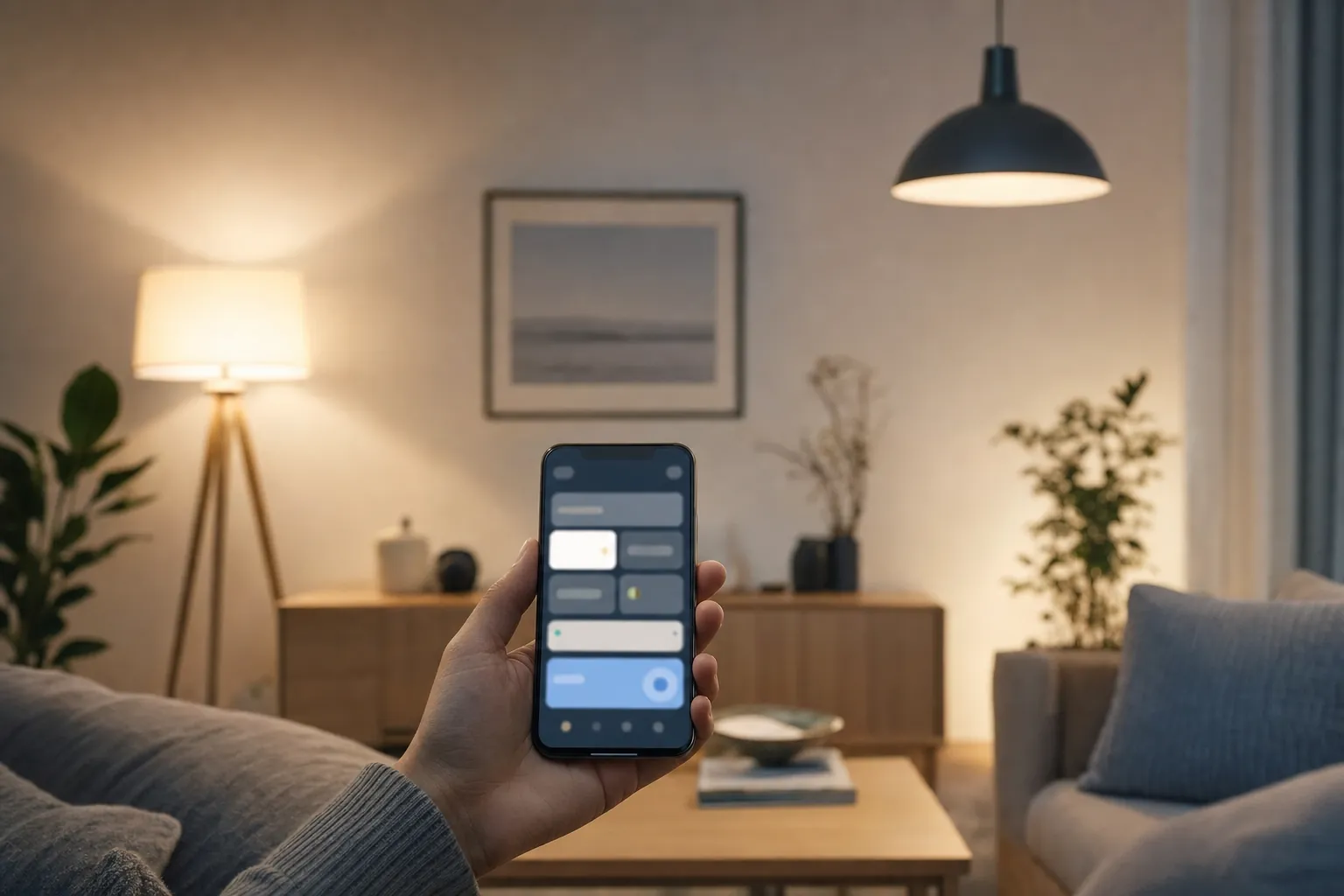
Keep a manual way to control the smart-home device, too. A lamp should still work from a switch, and a thermostat should still be understandable at the wall. This is not only about outages. It means nobody has to turn the microphone back on to do something ordinary at home.
Limit household and guest access
Invite people only when they need access. A partner may need full home control; a short-term guest may need none. Review shared-home members after a move, breakup, change in care arrangement or device hand-me-down. Remove former residents promptly, including from linked lighting, locks, cameras and routines. The account screen is more important than the speaker sitting on the shelf.
For children and guests, disable voice purchasing or require a confirmation code. Accidental orders are annoying, but the wider concern is that a casually spoken request should not create a financial decision. Also review third-party skills or linked services. Remove ones nobody uses, especially services that can access a calendar, shopping account, address book or smart lock.
Connect only the devices that earn their place
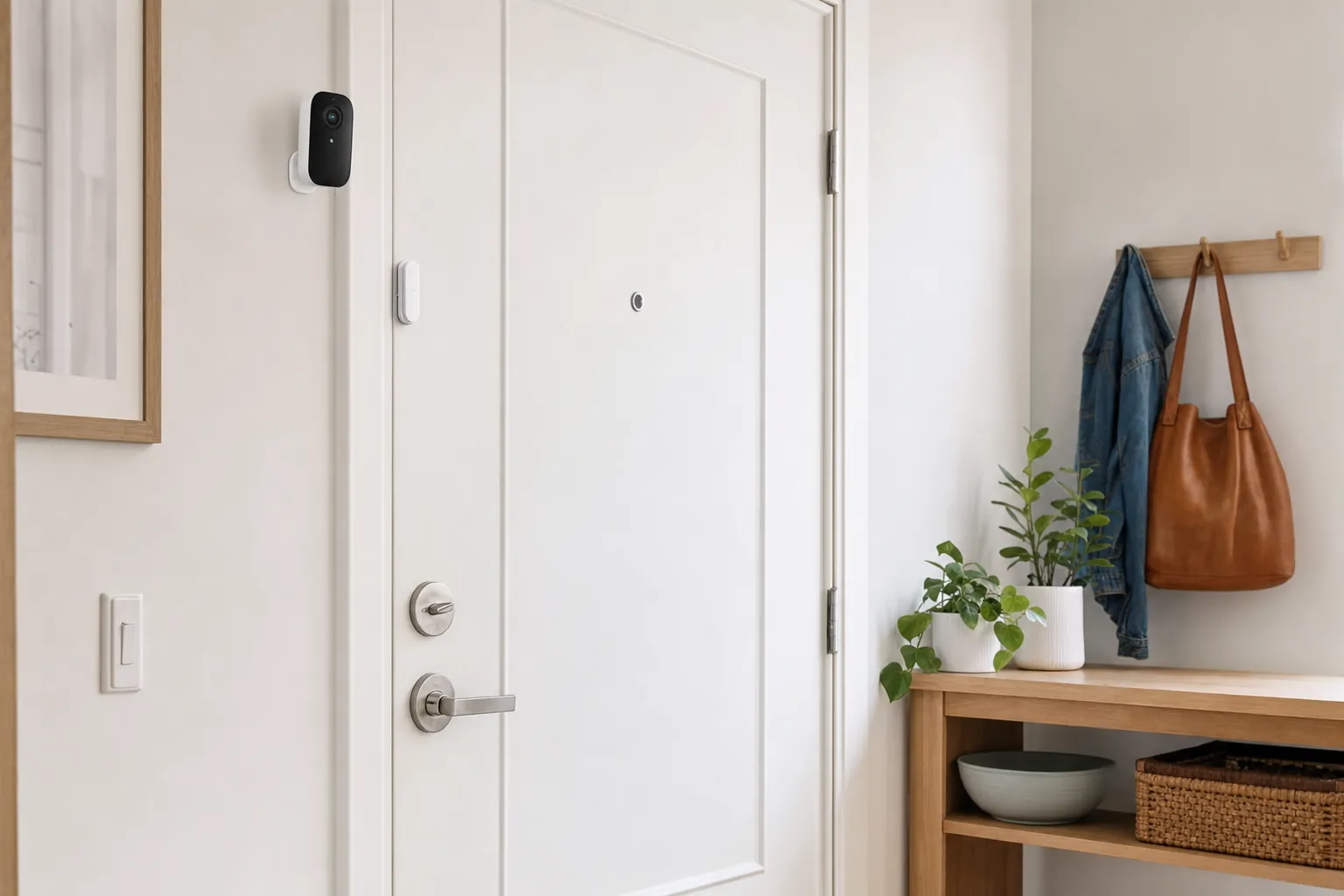
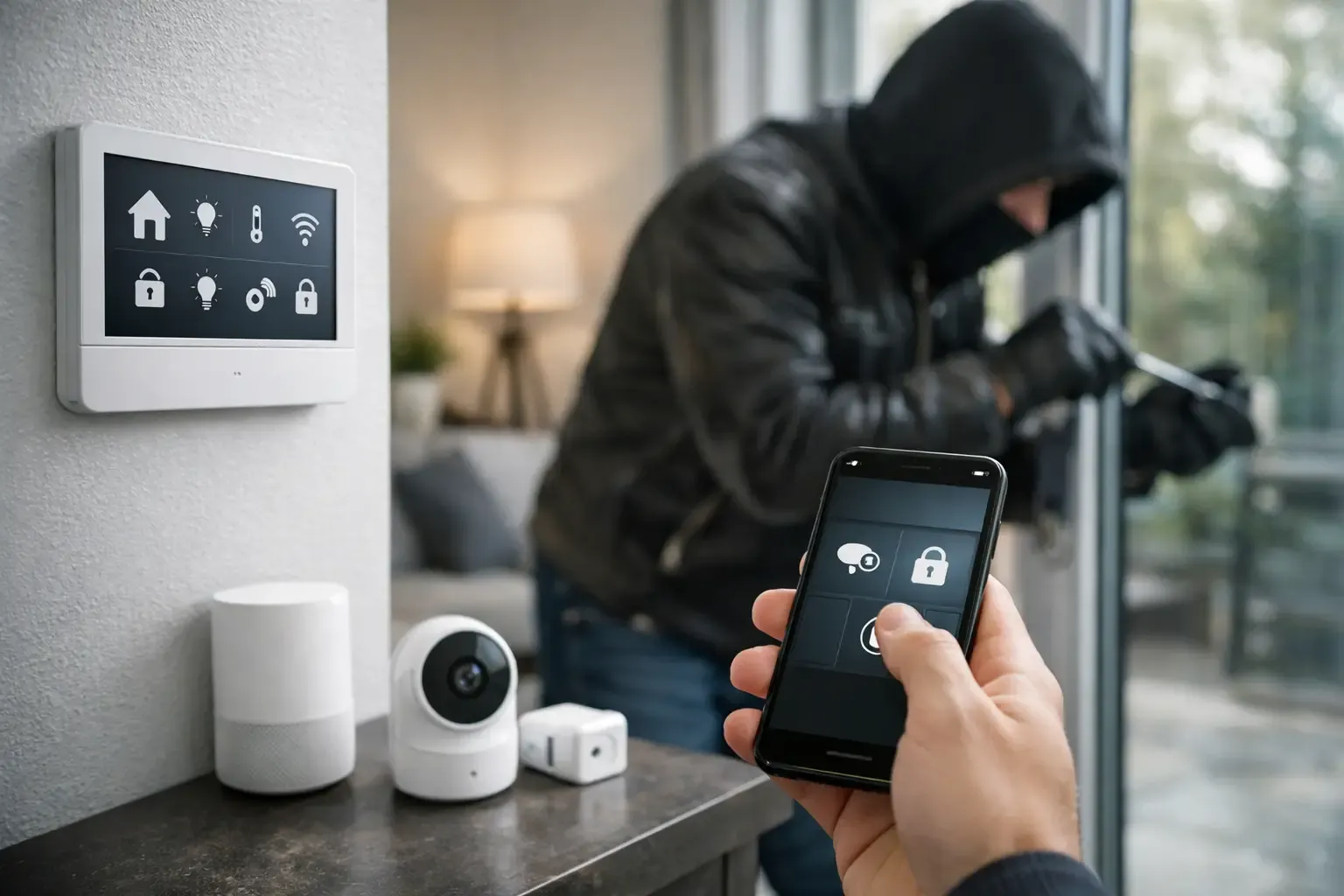
Every linked device expands the number of settings to maintain. Begin with low-risk controls such as a lamp or timer. Add a lock, garage door, camera or alarm only after you understand the assistant's confirmation steps, household permissions and backup access. A security device should never leave a resident locked out because a phone, account or speaker is unavailable.
Use a separate guest Wi-Fi network for compatible devices when your router supports it, keep the router updated and avoid sharing the main Wi-Fi password widely. These are quiet habits that reduce the chance that a forgotten device or old account becomes the weak link.
A 15-minute privacy checkup
- Open the assistant app and review voice activity and deletion settings.
- Turn off optional recording review if you do not want it.
- Check every household member and remove outdated access.
- Set a purchase code or disable voice purchasing.
- Mute the microphone and confirm everybody can still use manual controls.
- Remove unused linked services and test one emergency contact method that does not depend on the speaker.
Make privacy a household habit
Privacy settings are not a one-time promise made on installation day. New devices, software changes and account invitations can quietly change the shape of a setup. Put a brief review on the calendar twice a year, and again after a move or a new device purchase. Check the account owner, recovery email, connected services and the list of people with access. A five-minute review is far easier than sorting out an old account during a stressful moment.
Be especially careful with routines that reveal when somebody is home, asleep or away. A “goodnight” routine that switches off a light is low risk. A spoken routine that announces an empty house, disarms a security system or unlocks a door deserves deliberate confirmation and a manual alternative. Privacy is not about refusing useful features. It is about matching the control to the consequence.
If a setting is hard to understand, leave the feature off until you can test it calmly. The smartest choice is often the modest one: a speaker that controls a lamp reliably, a mute button everyone recognizes and an account that no longer contains people who moved out years ago.
How SavvyNests helps
SavvyNests recommends practical setups that preserve choice. Start with the Tips & Hacks library for simple routines, then use the smart-home hub guide when several devices genuinely need to work together.