
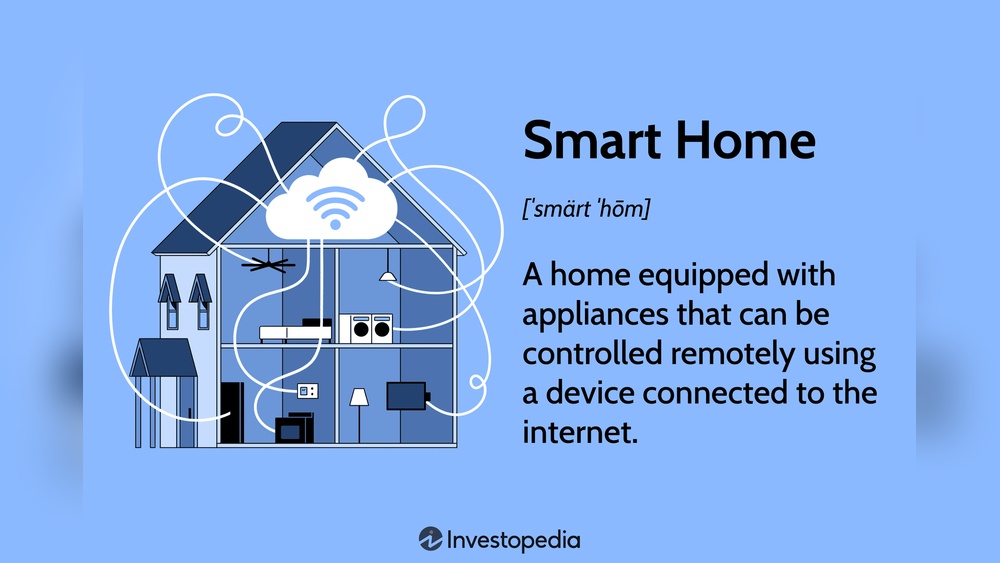
Smart homes are becoming more popular today. Many people want to add smart devices to their homes. But what if you already have many appliances? Can you connect new smart devices to old ones? The answer is yes! This article will help you learn how to integrate smart home devices with your existing appliances. We will explain simple steps and ideas. You will see it is easier than you think.
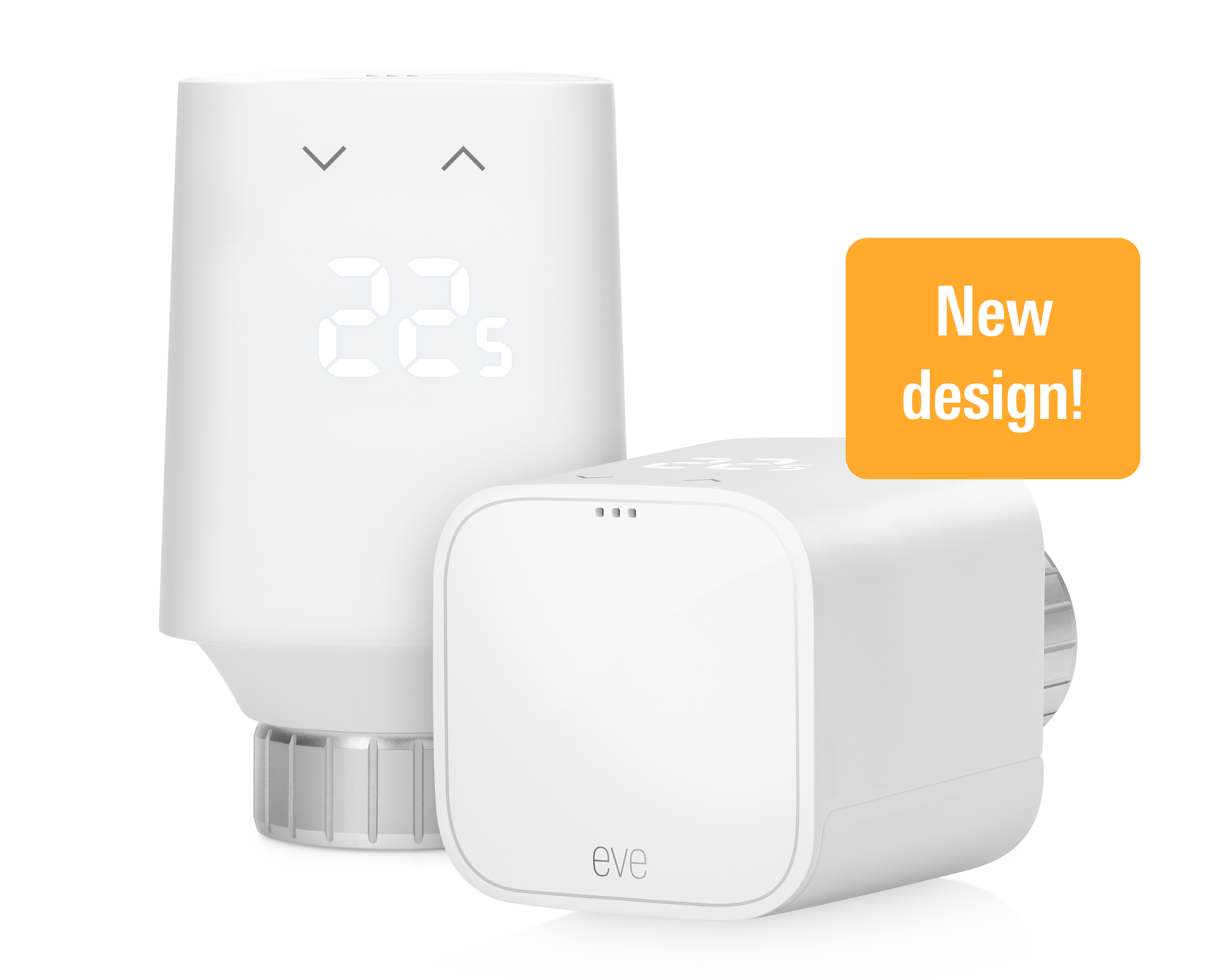
Credit: www.evehome.com
What Does Integration Mean?
Integration means making two or more things work together. When we talk about smart homes, integration means making smart devices work with your old appliances. For example, you might want to control your old lamp using your phone. Or, you might want your air conditioner to turn on automatically. To do this, your smart device and old appliance must communicate.
So, integration helps you use smart devices without buying all new appliances. It saves money and makes your home more comfortable.
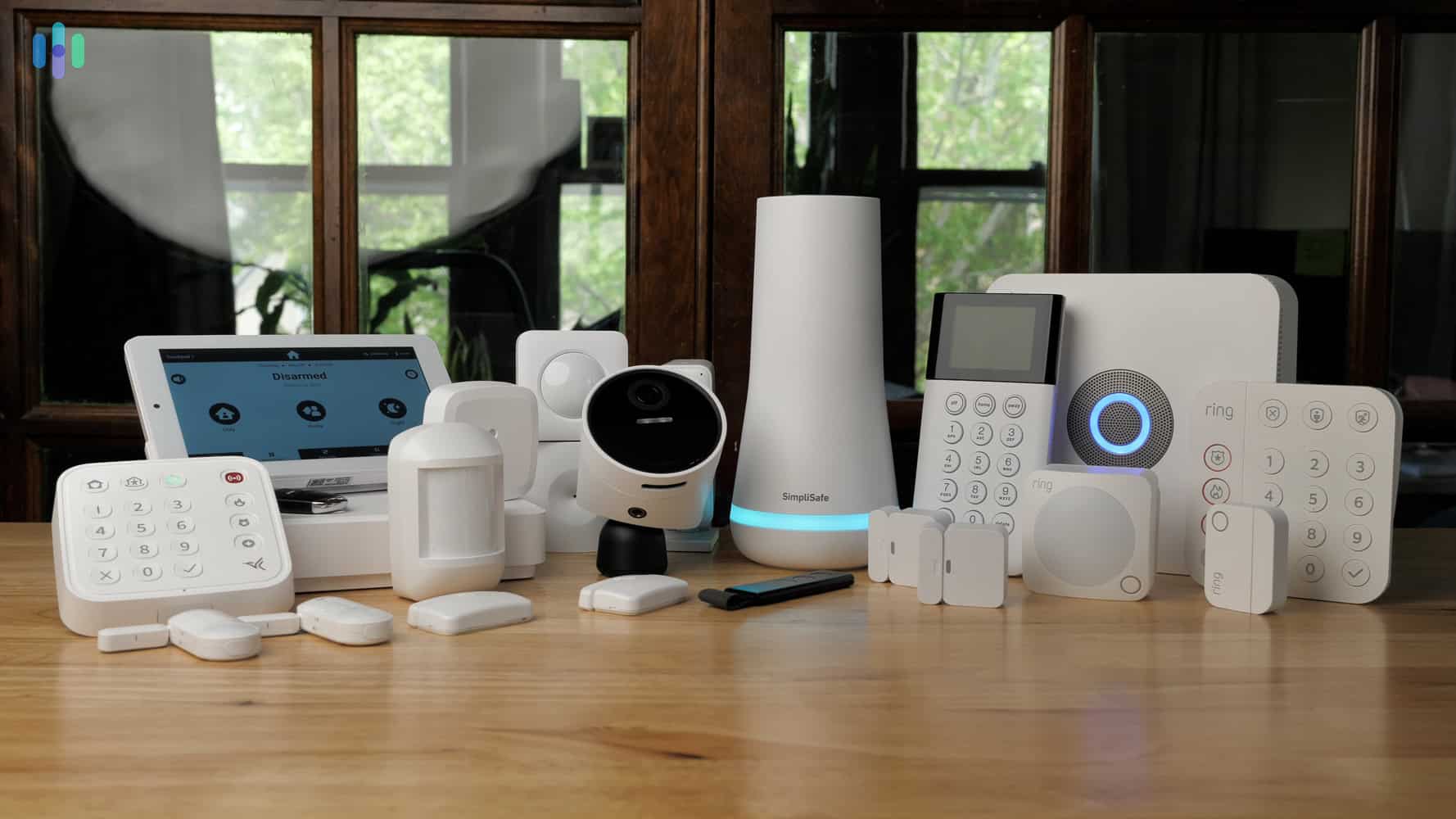
Credit: www.security.org
Types of Smart Home Devices
Before starting, it is good to know some common smart home devices. They help you control your home easily.
- Smart Plugs: These fit into your wall socket. You plug your old appliance into the smart plug. Then you can turn the appliance on or off using your phone.
- Smart Lights: These are light bulbs you can control with an app or voice commands.
- Smart Thermostats: These control your heating and cooling systems.
- Smart Hubs: These connect many smart devices together. They help devices talk to each other.
- Voice Assistants: Devices like Alexa or Google Home. You can use your voice to control smart devices.
Step 1: Check Your Existing Appliances
First, look at your current appliances. Are they simple or already smart? Some appliances have remote controls or apps. These are easier to connect.
If your appliance is simple, like a lamp or fan, you can use smart plugs. For appliances like air conditioners or heaters, check if they have any smart features.
Write down the appliances you want to control. This list will help you choose the right smart devices.
Step 2: Choose the Right Smart Devices
Now, choose smart devices that fit your needs. If you want to control lights or lamps, smart plugs or smart bulbs are good choices.
If you want to control temperature, a smart thermostat may work. For many devices, a smart hub can help connect all.
Here is a simple table to help you choose:
| Old Appliance | Smart Device to Use | How It Works |
|---|---|---|
| Lamp or Fan | Smart Plug or Smart Bulb | Plug appliance into smart plug or replace bulb |
| Air Conditioner | Smart Thermostat or IR Controller | Replace thermostat or use remote control device |
| Heater | Smart Plug or Thermostat | Control power or temperature automatically |
| TV or Fan with Remote | Smart IR Remote Controller | Use smart device to send remote signals |
Step 3: Connect Smart Devices to Your Wi-Fi
Most smart devices use Wi-Fi to work. You need a good Wi-Fi connection at home. This helps devices communicate with your phone or hub.
Follow device instructions to connect to Wi-Fi. Usually, you use an app on your phone. The app guides you step by step.
Make sure your Wi-Fi password is ready. Also, check that your phone is on the same Wi-Fi network.
Step 4: Set Up Control Apps
Smart devices come with apps. These apps let you control your devices. Download the app from your phone’s app store.
Use the app to add your smart device. The app will ask you to find the device nearby. Then, it will connect to the device.
Once connected, you can turn the device on or off. You can also set timers and schedules.
Step 5: Use Smart Hubs for Many Devices
If you have many smart devices, a smart hub can help. The hub connects all devices and controls them together.
Some popular hubs include Amazon Echo, Google Nest Hub, and Samsung SmartThings. These hubs support many brands and devices.
To use a hub, connect it to Wi-Fi. Then add your smart devices to the hub app. You can control all devices from one place.
Step 6: Connect Voice Assistants
Voice assistants make control easier. You can say simple commands to control devices.
Examples of commands:
- “Turn on the living room light.”
- “Set the thermostat to 22 degrees.”
- “Turn off the fan.”
To use voice control, set up the assistant app. Link your smart devices to the assistant. Then try simple commands.
Step 7: Automate Your Smart Devices
Automation means your devices work by themselves. You do not need to control them all the time.
For example, you can set your lights to turn on at sunset. Or have your heater turn off at bedtime.
Use the app or smart hub to set automation rules. These make your home more comfortable and save energy.
Step 8: Test and Adjust
After setup, test your devices. Make sure you can control them from your phone or voice assistant.
If something does not work, check Wi-Fi connection. Also, make sure devices are plugged in and powered.
Adjust settings as needed. You can change schedules or rename devices in the app.
Tips for Better Integration
- Use Compatible Devices: Check if new devices work with your old appliances.
- Keep Wi-Fi Strong: Place routers near devices or use Wi-Fi extenders.
- Label Devices: Give easy names to devices to find them quickly.
- Update Software: Keep apps and device firmware up to date.
- Secure Your Network: Use strong passwords to protect your smart devices.
Common Challenges and Solutions
Sometimes, you may face problems. Here are some common issues and how to fix them.
| Problem | Possible Cause | Solution |
|---|---|---|
| Device not connecting to Wi-Fi | Weak signal or wrong password | Move device closer to router or re-enter password |
| Smart plug not controlling appliance | Appliance needs a physical switch on | Make sure appliance is switched on manually first |
| Voice assistant does not recognize device | Device not linked properly | Re-link device in assistant app |
| App crashes or freezes | Old app version or phone issue | Update app or restart phone |
Benefits of Integrating Smart Devices
Why should you connect smart devices with old appliances? Here are some benefits:
- Save Money: No need to buy new smart appliances.
- Easy Control: Use phone or voice to control devices.
- Energy Saving: Automate devices to use less power.
- Comfort: Make your home more comfortable and safe.
- Flexibility: Choose which appliances to upgrade smartly.
Final Thoughts
Integrating smart home devices with existing appliances is simple. You do not need to replace everything. Start with smart plugs or bulbs for easy control.
Use apps and voice assistants to make your home smart. Automate daily tasks to save time and energy. Remember to keep your Wi-Fi strong and devices updated.
Take small steps. Add one or two smart devices first. Then build your smart home slowly. Enjoy the comfort and convenience of smart living.
Frequently Asked Questions
What Devices Work Best For Smart Home Integration?
Most smart home hubs support popular brands like Philips Hue, Nest, and Amazon Alexa. Check your hub’s compatibility list before buying devices.
How To Connect Smart Devices To Old Appliances?
Use smart plugs or adapters to link old devices to your smart system. These gadgets add remote control without replacing appliances.
Can I Control Smart Devices Using My Smartphone?
Yes, most smart devices have apps for smartphones. These apps let you control your home from anywhere easily.
Is Wi-fi Important For Smart Home Devices?
Strong Wi-Fi is essential for smooth smart device operation. A poor connection can cause delays or disconnections.