
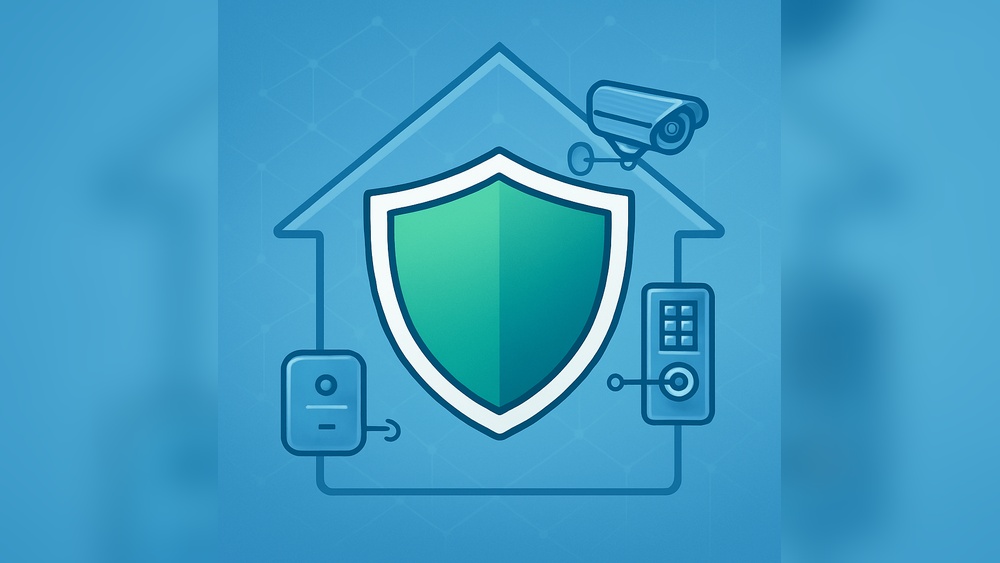
Many people want to keep their homes safe. A smart home security system helps do this easily. It uses modern tools like cameras and alarms. These tools connect to the internet and your phone. You can watch your home anytime, anywhere. This guide will help you set up your own smart home security system. No hard words. No confusion. Just simple steps you can follow.

Credit: www.amazon.com
What Is a Smart Home Security System?
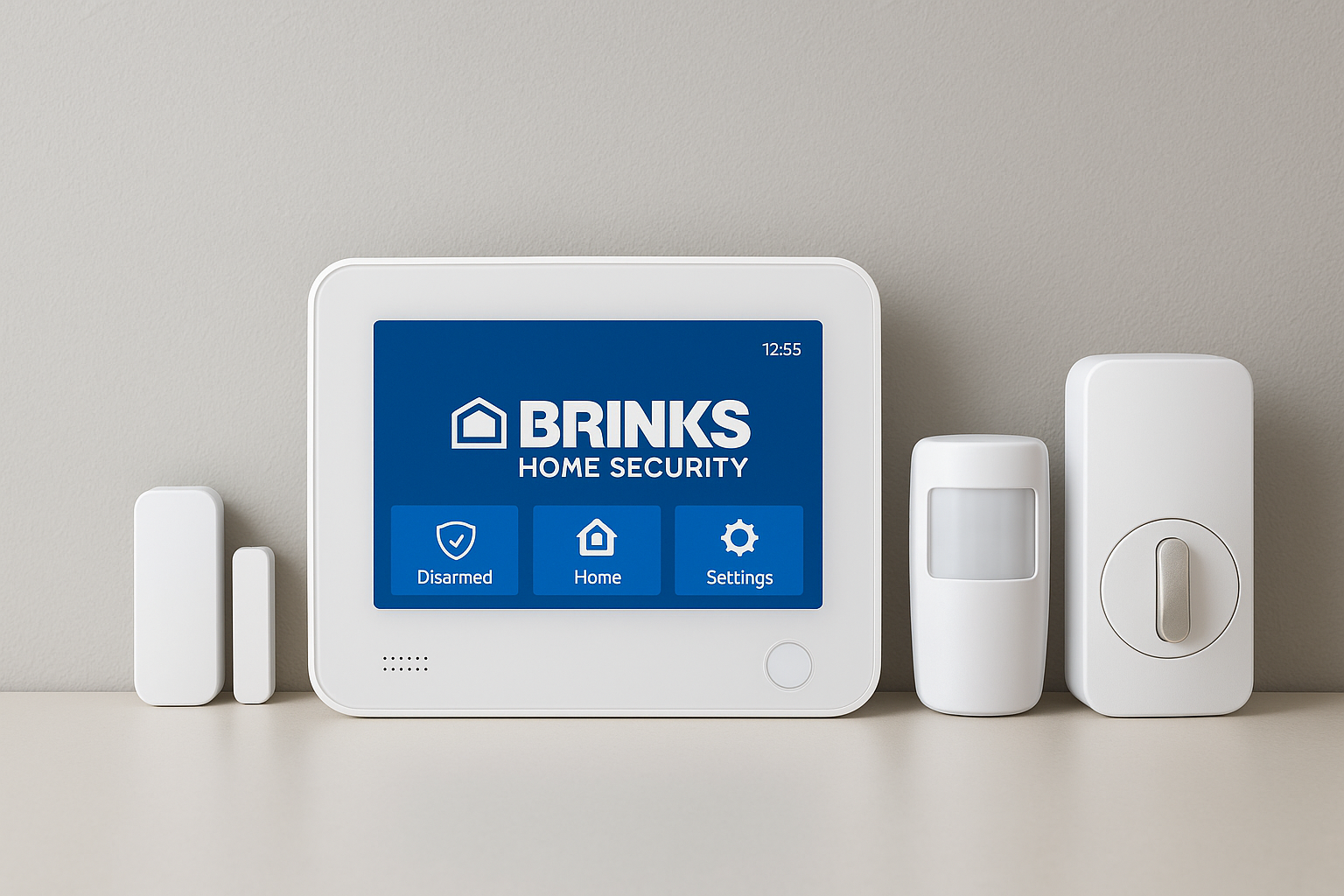
A smart home security system is a set of devices. They work together to protect your home. You can control them with a phone or tablet. This system can include:
- Cameras to watch inside and outside your home
- Motion sensors to detect movement
- Door and window sensors to know if they open
- Alarms that sound when there is danger
- Smart locks to control doors remotely
All these parts connect to a central hub or app. You get alerts if something unusual happens. This helps you act fast.
Why Choose a Smart Home Security System?
Smart systems are easy to use. You do not need to be a tech expert. They give you peace of mind. You can check your home anytime. Even when you are far away.
They are better than old alarms. Old alarms only make noise. Smart systems send alerts to your phone. Some even call the police automatically.
Also, smart systems often allow you to add more devices later. If you want to protect more areas, you can do it easily.
Credit: jnadealerprogram.com
What You Need Before Setup
Before starting, get these items ready:
- Internet connection: A good Wi-Fi network at home
- Smartphone or tablet: To install the security app
- Smart home security kit: Cameras, sensors, alarms, and hub
- Power source: Electricity or batteries for devices
- Basic tools: Screwdriver, tape, or adhesive strips
Make sure your Wi-Fi is strong in all areas you want to protect.
Step 1: Choose the Right Security System
There are many brands and options. Pick one that fits your needs and budget. Some systems offer all-in-one kits. Others let you buy parts separately.
Look for these features:
- Easy app for your phone
- Good customer support
- Clear instructions
- Compatibility with your phone type (iPhone or Android)
- Ability to add extra devices later
Read reviews or ask friends for advice.
Step 2: Plan Your Setup
Walk around your home. Think about where to place devices. Good spots include:
- Front and back doors
- Windows on the ground floor
- Garage or basement
- Main living areas
Write down these places. This helps you know how many devices you need.
Step 3: Install the Central Hub
The hub connects all devices. It sends information to your phone. Place it near your Wi-Fi router. This helps keep a strong connection.
Plug the hub into power. Follow the instructions in the manual. Usually, you need to press a button to start it.
Step 4: Set Up the Security App
Download the app from the app store. Open it and create an account. Use your email or phone number.
Follow the app instructions. It will help you connect the hub. The app is your control center.
Make sure to allow notifications. This way, you get alerts fast.
Step 5: Install Cameras
Choose camera spots with a clear view. Avoid facing windows directly. Sunlight can make the video hard to see.
Mount cameras using screws or adhesive strips. Point them at doors or entry points.
Connect cameras to Wi-Fi or the hub. Test each one using the app. Make sure the video feed is clear.
Step 6: Place Door and Window Sensors
These sensors detect if doors or windows open. They come in two parts:
- Sensor part on the frame
- Magnet part on the door or window
Place them close together. The sensor notices when they separate.
Use screws or sticky pads to fix them. Test by opening and closing the door or window. The app should alert you.
Step 7: Add Motion Sensors
Motion sensors detect movement inside your home. Place them in hallways or living rooms. Avoid places where pets walk often. Pets can trigger false alarms.
Mount sensors at about 6 feet high. Angle them to cover wide areas.
Connect them to the hub and test with movement. The app should send alerts.
Step 8: Set Up Alarms and Sirens
Alarms scare off intruders and alert neighbors. Place sirens where they are loud but safe.
Connect alarms to the hub. Test by triggering a sensor. The alarm should sound loudly.
Step 9: Configure Smart Locks (Optional)
Smart locks let you lock or unlock doors with your phone. They are great for keyless entry.
Replace your old lock with a smart lock. Follow the lock’s instructions carefully.
Connect it to your system app. Set codes or permissions for family members.
Step 10: Test Your Whole System
Walk through your home. Open doors and windows. Move in front of motion sensors.
Check your phone for alerts. Make sure alarms sound when needed.
If something does not work, check connections or battery levels. Adjust device locations if needed.
Tips for Using Your Smart Home Security System
- Keep your app updated: Updates bring new features and fix bugs.
- Change passwords regularly: This keeps your system safe from hackers.
- Use two-step verification: Adds extra security to your account.
- Check batteries often: Replace batteries before they run out.
- Share access carefully: Give app access only to trusted family members.
- Review alerts daily: Stay aware of what is happening at home.
Benefits of a Smart Home Security System
| Benefit | Explanation |
|---|---|
| Remote Monitoring | Watch your home anytime from your phone. |
| Instant Alerts | Get notified quickly if there is a problem. |
| Easy Control | Manage all devices with one app. |
| Customizable | Add or remove devices as needed. |
| Peace of Mind | Feel safe knowing your home is protected. |
Frequently Asked Questions
What Is A Smart Home Security System?
A smart home security system uses internet-connected devices to protect your home. It lets you monitor and control security from your phone.
How Do I Start Setting Up A Smart Home Security System?
Begin by choosing a system that fits your home size and needs. Install cameras, sensors, and connect them to a central hub or app.
Can I Install A Smart Security System Myself?
Yes, many smart security systems are designed for easy DIY installation. Follow the instructions carefully and test each device after setup.
What Devices Are Essential For Smart Home Security?
Key devices include cameras, motion sensors, door/window sensors, and a control hub. These work together to monitor your home effectively.
Conclusion
Setting up a smart home security system is not hard. Follow these simple steps. Choose the right system. Plan where to put devices. Install and connect everything carefully. Test your system well. Use the app to stay informed.
This system helps protect your home. It keeps you connected with what happens inside and outside. Even if you are far away. Start with a small setup. Add more devices later if you want.
Remember, safety is important. A smart home security system makes it easier.