
Smart homes are growing in popularity every day. Many people want to control lights, locks, and cameras from one place. But sometimes, the words smart home hub and bridge get mixed up. They sound similar, but they are not the same. This article will explain the main differences between smart home hubs and bridges.

Credit: www.geeksforgeeks.org
What Is a Smart Home Hub?
A smart home hub is a device that connects many smart devices. It acts like a center for your smart home. Think of it as a boss that tells all your smart devices what to do.
You can control lights, cameras, locks, and more with a hub. It lets these devices talk to each other even if they use different technologies.
How Does A Smart Home Hub Work?
The hub uses different wireless signals to connect devices. These signals include:
- Zigbee
- Z-Wave
- Wi-Fi
- Bluetooth
Because the hub supports many signals, it can control many types of devices. You do not need many apps. One app or voice assistant can control your entire home.
Examples Of Smart Home Hubs
Some popular hubs are:
- Samsung SmartThings Hub
- Amazon Echo Plus (with built-in Zigbee)
- Hubitat Elevation
These devices help you connect and control many gadgets in one place.
What Is a Smart Home Bridge?
A bridge is a device that connects only one type of smart device to your network. It acts like a translator between your smart devices and your Wi-Fi or smart home system.
Many smart devices need a bridge to work with other systems. For example, Philips Hue lights need the Hue Bridge to connect to your phone or hub.
How Does A Bridge Work?
The bridge connects devices that use special signals. Then, it changes these signals to Wi-Fi or another common language your phone or hub understands.
The bridge usually controls only one brand or type of device. It does not support many different devices like a hub.
Examples Of Smart Home Bridges
- Philips Hue Bridge (for Hue lights)
- Nest Thermostat Bridge (for Nest devices)
- LIFX Bridge (for LIFX lights)
These bridges help specific devices connect to your smart home system.
Key Differences Between Hubs and Bridges
| Feature | Smart Home Hub | Smart Home Bridge |
|---|---|---|
| Purpose | Connects many types of smart devices | Connects only one brand or type of device |
| Device Support | Supports multiple brands and technologies | Supports one brand or technology |
| Communication | Uses Zigbee, Z-Wave, Wi-Fi, Bluetooth | Usually converts one signal type to Wi-Fi |
| Control | Controls many devices from one app or voice assistant | Controls specific devices, often with their own app |
| Complexity | More complex setup but more flexible | Simple setup but limited to certain devices |
| Cost | Usually more expensive | Usually less expensive |

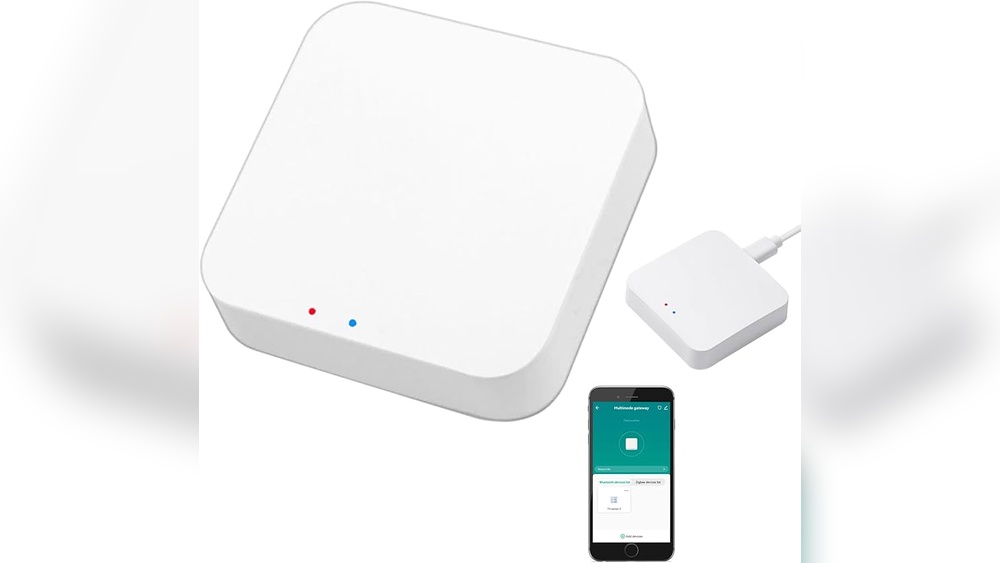
Credit: www.amazon.com
Why Do You Need a Hub or Bridge?
Smart devices use different ways to talk. Some use Zigbee or Z-Wave. Others use Wi-Fi or Bluetooth. Not all devices speak the same language.
A hub helps devices talk to each other. It makes your smart home easier to manage. You do not need many apps or remotes.
A bridge helps devices that do not use Wi-Fi connect to your network. It makes sure these devices work with your phone or hub.
When Should You Choose a Hub?
Choose a hub if you want to control many devices from different brands. It works well if you want to add more devices later.
A hub is good for:
- Controlling lights, locks, sensors, and cameras all together
- Using voice assistants like Alexa or Google Assistant
- Making smart home automation rules
When Should You Choose a Bridge?
Choose a bridge if you only have devices from one brand. For example, if you only have Philips Hue lights, you need the Hue Bridge.
A bridge is good for:
- Connecting devices that need special signals
- Keeping things simple when you have few smart devices
- Saving money on smart home setup
Can You Use Both Together?
Yes! Many smart homes use both a hub and bridges. A hub can control devices from many brands. But some devices still need their bridge.
For example:
- You use a SmartThings Hub to control many devices.
- You also use a Hue Bridge to control Philips Hue lights.
This way, you get the best of both worlds. The hub manages most devices. The bridge helps devices that need special help.
Simple Tips When Buying Smart Home Devices
- Check if the device needs a bridge or works with a hub.
- Think about how many devices you want to control.
- Look for devices that work with your favorite voice assistant.
- Choose a hub if you want many devices from different brands.
- Choose a bridge if you have only one brand of devices.
Summary
Smart home hubs and bridges both help your smart devices work better. But they are different.
A hub connects many devices and brands. It helps all your devices talk and work together.
A bridge connects only one brand or type of device. It acts like a translator for special devices.
Many people use both in their homes. It makes controlling smart devices easy and simple.
Now, you know the difference between a smart home hub and a bridge. This helps you pick the right tools for your smart home.
Frequently Asked Questions
What Is A Smart Home Hub?
A smart home hub connects and controls multiple smart devices from one place. It helps devices talk to each other smoothly. You can manage your home automation easily with a hub.
How Does A Smart Bridge Differ From A Hub?
A smart bridge connects specific devices to a network but does not control them all. It acts as a translator for certain brands or protocols. Unlike hubs, bridges usually support fewer device types.
Can A Hub Work Without A Bridge?
Yes, many smart hubs work without a bridge by using built-in radios or Wi-Fi. They can control devices directly through common protocols. Bridges are only needed for certain devices or brands.
Do Smart Bridges Support Multiple Device Brands?
Smart bridges usually support devices from one brand or protocol only. They help connect those devices to your smart home system. Hubs, however, often support many brands and device types.