A front-door camera can tell you who arrived. A door sensor can tell you someone opened the door. But neither does much good if your Wi-Fi password is weak, your camera points at the wrong spot, or your phone is buried under Do Not Disturb. This DIY home security system guide helps you build protection around the way you actually live – without signing up for a complicated install or filling every room with gadgets.
The goal is not to create a high-tech fortress. It is to make break-ins, package theft, water damage, and everyday uncertainty easier to spot and respond to. Start small, cover the highest-risk areas, and add devices only when they solve a real problem.
Start With Your Home’s Real Security Gaps
Before buying a camera or alarm kit, take a slow walk around your home or apartment. Think about where someone could enter unnoticed, where a delivery might be left, and where a small problem could become expensive if no one is home.
For most households, the priority order is simple: exterior doors, accessible windows, the garage, and the main living area. A first-floor apartment may need more attention on patio doors and street-facing windows. A house with a side gate, detached garage, or basement entrance may need broader outdoor coverage. If you rent, focus on removable devices and ask your landlord before making permanent changes.
Also consider non-burglary risks. A leak detector under a washing machine or kitchen sink can be more valuable than a second indoor camera. A smart smoke and carbon monoxide alarm can be a sensible upgrade if your current alarms are old, though local rules and proper placement still matter.
Build a DIY Home Security System in Layers
A good setup uses a few overlapping layers. If one layer misses something, another can still create a record, sound an alarm, or send an alert.
Layer 1: Make Doors and Windows Harder to Open
Physical security comes first because smart devices cannot compensate for an unlocked door. Check that exterior doors have solid strike plates, working deadbolts, and screws long enough to reach the framing behind the doorjamb. Keep sliding doors secure with their built-in lock plus a properly fitted security bar.
A smart lock can add convenience, especially for families, guests, dog walkers, or cleaners. It lets you use codes instead of spare keys and can alert you when the door is unlocked. Still, choose one with a key backup, and do not treat an auto-lock feature as permission to skip checking that the door has fully latched.
Door and window contact sensors are inexpensive and useful because they answer a basic question quickly: did this entry point open? Put them on exterior doors first. Add them to accessible first-floor windows or a patio door next. You do not need sensors on every window on day one.
Layer 2: See What Matters With Cameras
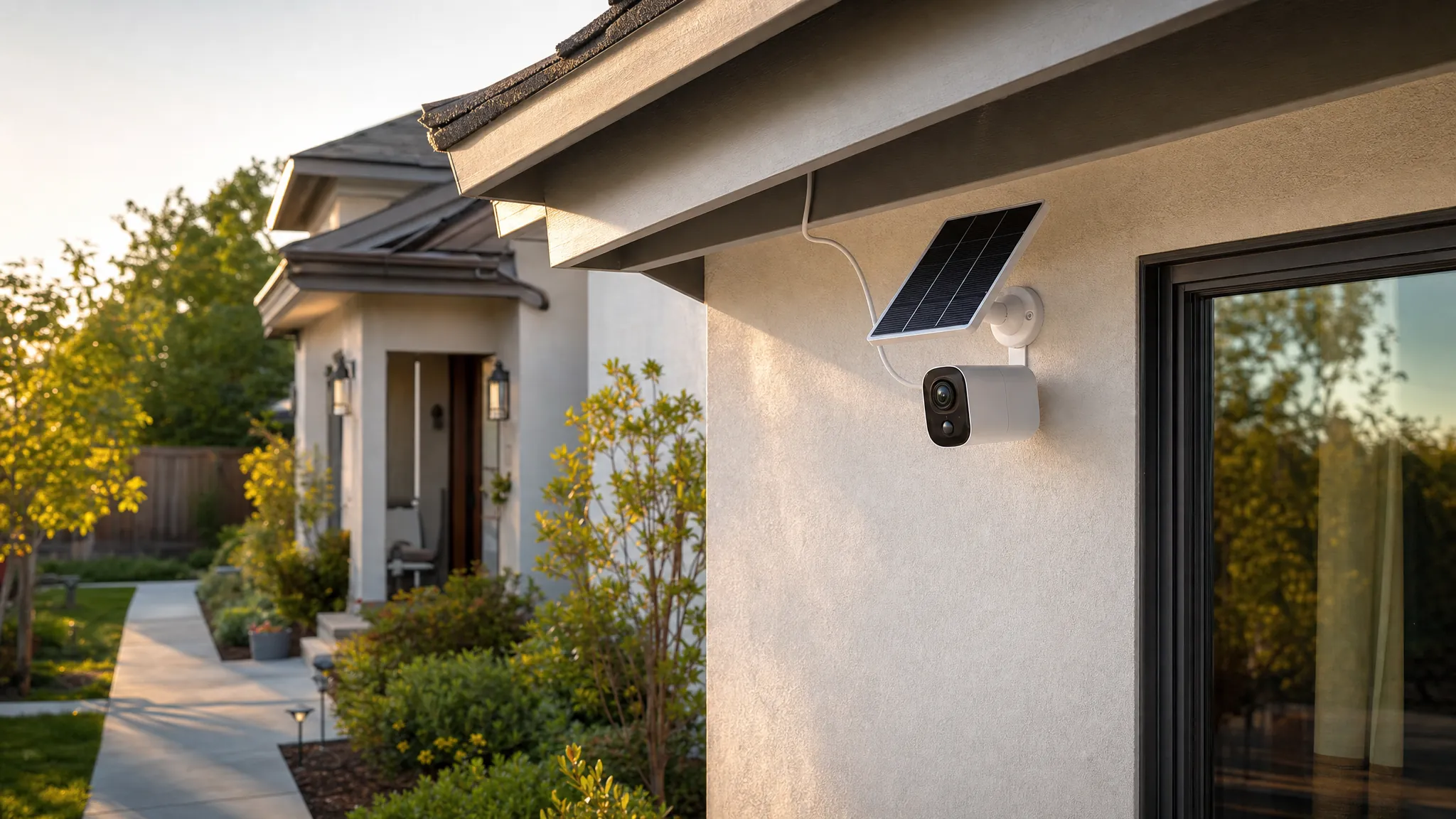
Cameras work best when they serve a specific purpose. A video doorbell covers visitors and packages. An outdoor camera can watch a driveway, garage door, backyard gate, or side entrance. An indoor camera can help monitor pets, a nursery, or a main hallway while you are away.
Placement matters more than buying the model with the longest feature list. Mount outdoor cameras high enough to avoid easy tampering, but low enough to capture faces rather than only hats and foreheads. Aim toward approaches to the home, not straight across a busy street. Motion zones can reduce alerts caused by traffic, swaying trees, or a neighbor walking their dog.
Be thoughtful about privacy. Do not point cameras into a neighbor’s private space. Indoor cameras should stay out of bathrooms and private guest areas. If you use one inside, choose a model with a physical privacy shutter or unplug it when the added visibility is not needed.
Layer 3: Add Detection and Deterrence
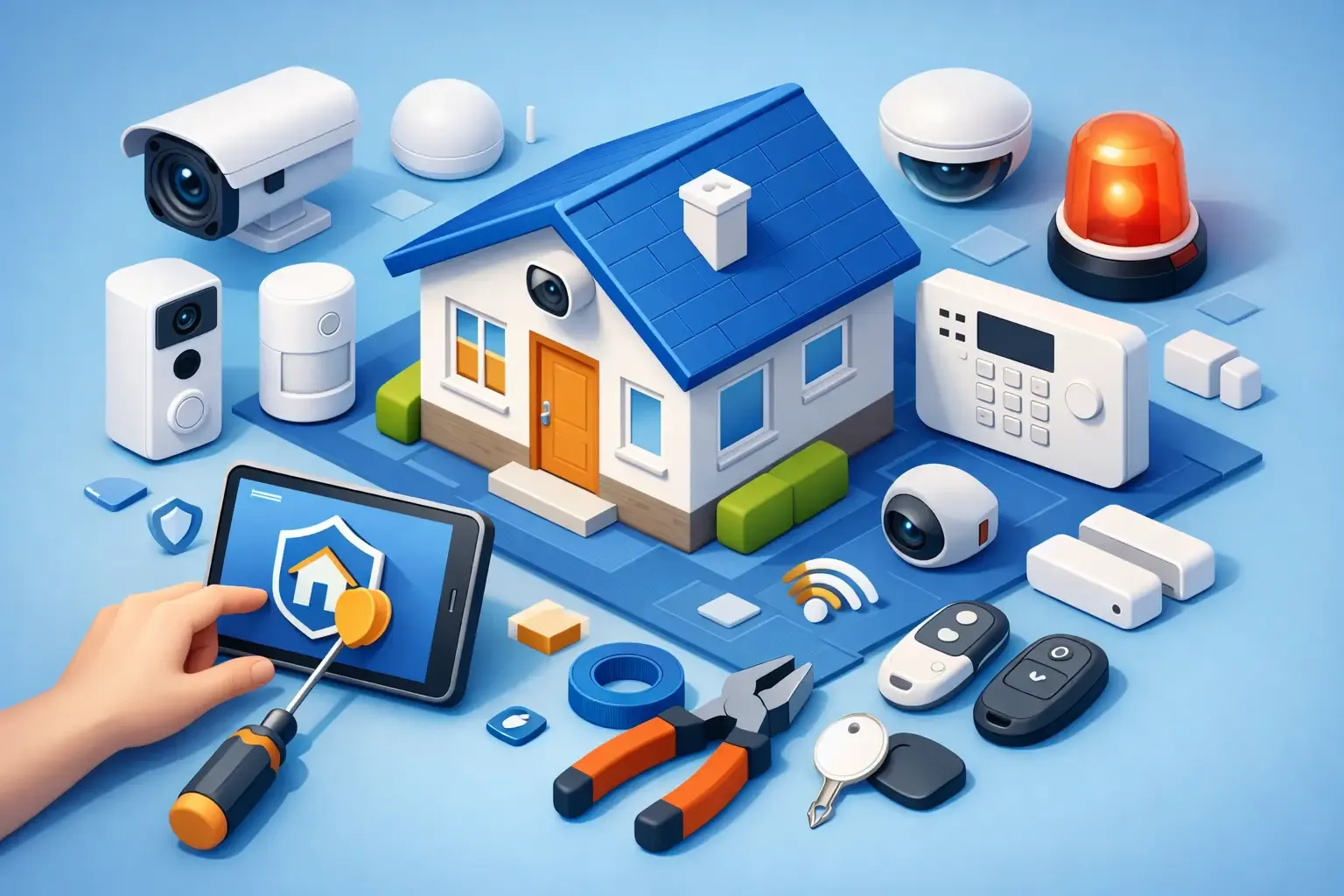
A hub, keypad, siren, or all-in-one alarm station turns separate sensors into a system. When a protected door opens while the system is armed, you can receive a notification, trigger a siren, and, depending on your plan, request professional monitoring.
Professional monitoring is not mandatory. Self-monitoring is often enough for a small apartment or a budget-conscious household that reliably checks alerts. Monitoring can be worth the monthly cost if you travel frequently, have a large home, or want an emergency center to contact authorities when you cannot respond. The trade-off is ongoing cost and, sometimes, a longer commitment.
Visible yard signs, window decals, motion-activated lighting, and a loud siren can deter opportunistic crime. They are not guarantees, but they make a home look less easy to approach unnoticed.
Choose Power and Connectivity Before You Buy
The simplest-looking security devices can become frustrating when their power and connection needs do not match your home. Decide early whether you prefer battery-powered, wired, or plug-in equipment.
Battery cameras and sensors are usually the easiest choice for renters and beginners. They can be placed where wiring is inconvenient and often install with adhesive or a few screws. Their downside is maintenance: cold weather, frequent motion events, and busy areas can drain batteries faster than expected.
Wired cameras avoid battery changes and may provide more consistent recording, but installation can require drilling, routing a cable, or using an existing doorbell connection. Plug-in indoor cameras are a middle ground as long as an outlet is nearby.
Most DIY systems rely on Wi-Fi, so test your signal at the front door, garage, and backyard before committing. A camera with a weak connection may miss recordings or take too long to load when you need it. If coverage is spotty, moving the router, adding a mesh Wi-Fi node, or choosing devices that use a dedicated hub can help.
Check Compatibility Without Creating a Gadget Pile
If you already use Alexa, Google Home, or Apple Home, check whether each device supports your preferred ecosystem. Voice control is convenient for arming a system at bedtime or viewing a compatible camera feed, but it should be a bonus, not the foundation of your security plan.
More important is whether the devices work together in one app. A matched security kit with sensors, keypad, siren, and cameras is usually easier for beginners than mixing several brands. You may give up a favorite feature from one standalone device, but you gain simpler setup, fewer notifications, and one place to manage household access.
That said, mixing brands can make sense when you have a clear reason. For example, you might keep an existing video doorbell while adding a separate sensor-and-alarm kit. Just confirm that each device can still send reliable alerts on its own if the integrations are limited.
Use This DIY Home Security System Guide for Setup Day
Set aside time to install and test your system before you truly need it. Avoid mounting everything immediately. First, connect each device near your router, update its firmware, name it clearly, and confirm notifications arrive on your phone.
Then install devices one zone at a time. Use names that are obvious during a stressful alert, such as “Front Door,” “Patio Door,” or “Garage Side Window,” rather than generic labels like “Sensor 2.” Test every contact sensor, camera angle, siren, and lock after installation.
Before calling the project done, make these five settings part of your setup:
- Create unique passwords for your security account and Wi-Fi network.
- Turn on two-factor authentication wherever it is available.
- Give each household member their own account or door code instead of sharing one login.
- Review motion zones, recording settings, and notification schedules after a few normal days.
- Remove access immediately when a tenant, contractor, guest, or former roommate no longer needs it.
A backup plan matters, too. Know what happens during a power outage or internet interruption. Battery backup in a hub can keep sensors working for a while, but cloud cameras may not record without internet. If your home has frequent outages, this limitation should influence what you buy.
Keep Alerts Useful, Not Constant
The fastest way to ignore a security system is to let it ping you all day. Start with high-value alerts: a door opening when nobody should be home, a person at the front door, a garage door left open, or a water leak. Fine-tune less urgent camera motion alerts after you see how your household moves through the day.
Create routines that fit your life. Arm entry sensors at night. Check that the garage door is closed before bed. Review camera clips after an unexpected alert instead of constantly watching a live feed. Security should support a calmer routine, not add another app you feel obligated to babysit.
A smart home becomes safer one practical decision at a time. Begin with the entry points and risks that concern you most, make the setup easy enough to maintain, and let your system grow with your home rather than ahead of it.