A smart home humidity sensor answers a useful household question: what is happening in this room when it starts to feel uncomfortable? It can show that a bedroom gets stuffy overnight, a bathroom stays damp after showers, or a basement holds moisture long after rain. That kind of pattern is much more useful than a single glance at a thermostat.
The sensor is not a mold detector, leak detector, or diagnosis. It cannot tell you why a reading changed. What it can do is give you a steady record, room by room, so you can connect a change in humidity with a shower, laundry, cooking, weather, an open window, or a heating and cooling routine.
This guide explains what a smart home humidity sensor measures, where it belongs, and how to turn a reading into a sensible next step. If you are also comparing room temperature, start with our guide to smart temperature sensors. For a wider view of air in the home, see the home CO2 monitor guide.
What a smart home humidity sensor measures
Most home humidity sensors report relative humidity, usually as a percentage. Relative humidity describes how much moisture is in the air compared with the maximum amount that air can hold at its current temperature. That last part matters. Warm air and cool air do not hold moisture in the same way, so temperature and humidity make more sense together than either number does alone.
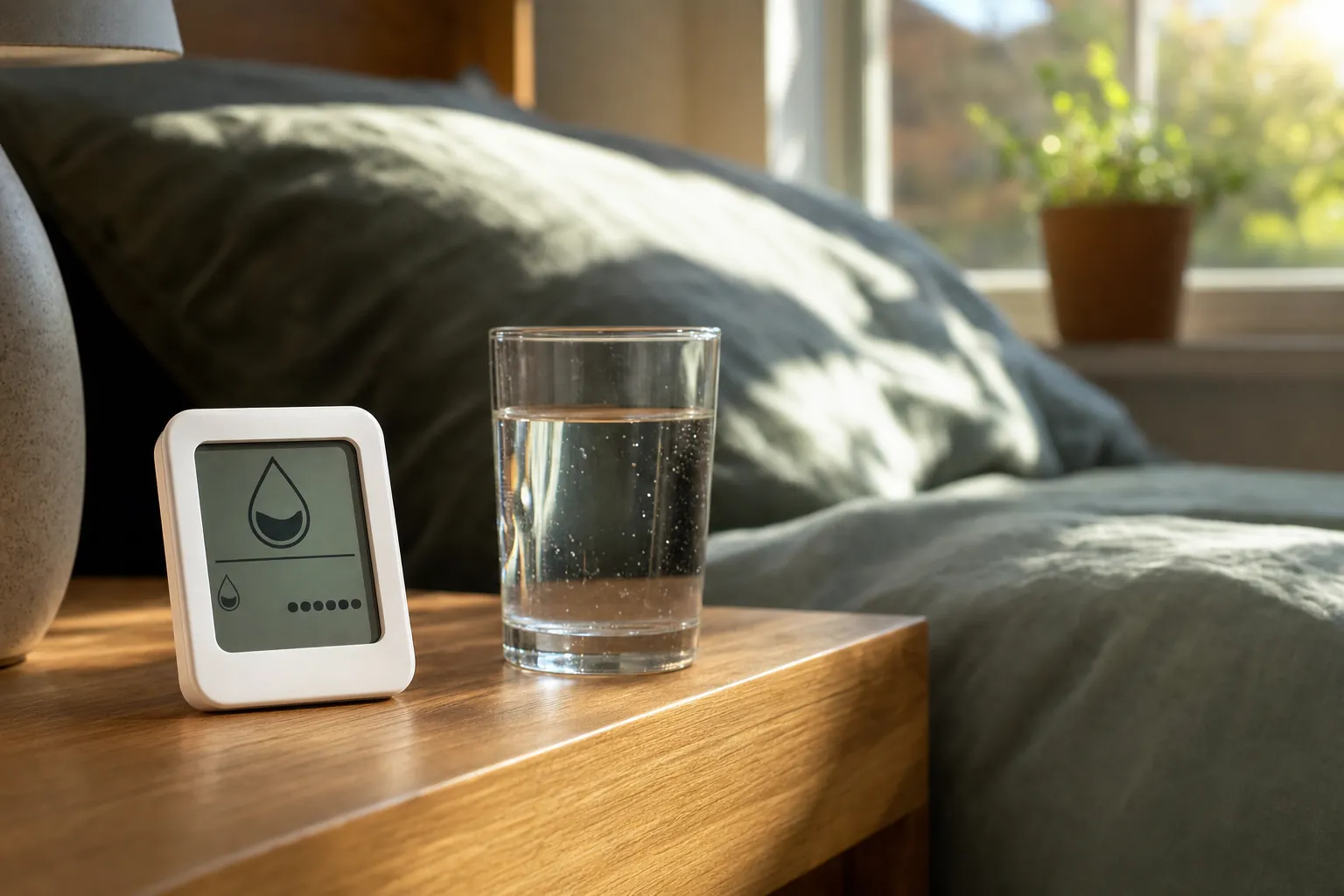
Many connected sensors also show temperature, record a history, and send an alert when a room crosses the range you set. Some live inside a thermostat, smart speaker, or air-quality device. Others are small standalone sensors that sit where the problem actually happens. A separate sensor is often more useful when the room that feels damp or dry is not where the thermostat lives.
Think of the reading as a room condition, not a verdict. A rise during a shower or after boiling water is expected. A high reading that stays put for hours is a reason to look closer at ventilation, airflow, outdoor weather, a damp surface, or a source of moisture nearby.
What the reading can and cannot tell you
A humidity sensor is good at spotting repeatable patterns. Maybe the guest room reads differently from the main bedroom. Maybe the laundry area climbs each time clothes dry indoors. Maybe one corner of a basement is persistently more humid than the rest of the floor. Those observations give you something specific to test.
It cannot identify the cause by itself. High humidity can come from ordinary activity, a closed door, poor ventilation, seasonal weather, a wet crawlspace, a plumbing issue, or an appliance that is not venting as it should. Low humidity can come from cold-weather heating, dry outdoor air, or an HVAC system moving a lot of air. The sensor gives you a clue. The room and the timing supply the context.
The U.S. Environmental Protection Agency advises keeping indoor humidity below 60%, ideally between 30% and 50% when possible, as part of reducing moisture conditions that can support mold. That is a practical reference range, not a reason to panic over a short-lived spike. Read the agency's guide to mold and moisture in the home for the broader moisture-control advice.
Use a sensor to ask better questions: Did the number settle after the bathroom fan ran? Does opening the door improve the room? Does the problem happen only after rain? Does changing a thermostat schedule make the bedroom more comfortable at night? A few days of history is usually more valuable than a single number.
Where to place a smart humidity sensor
Put the sensor in the room you are trying to understand, not automatically beside the thermostat. A centrally located thermostat is designed to guide the whole home. A humidity sensor can be more targeted. Place it where people notice discomfort or where moisture has a reason to build up.
- Bedroom: Useful for learning whether a closed door, overnight heating or cooling, and sleeping habits are changing comfort.
- Bathroom: Helpful for seeing how quickly humidity comes down after a shower. Keep it away from direct spray and steam.
- Basement: Good for tracking seasonal dampness, especially near a wall or storage area that feels cooler than the rest of the space.
- Laundry area: Helpful when drying clothes indoors or when you are checking whether the room clears after a load.
- Kitchen-adjacent space: Useful when cooking steam seems to spread beyond the range hood area.
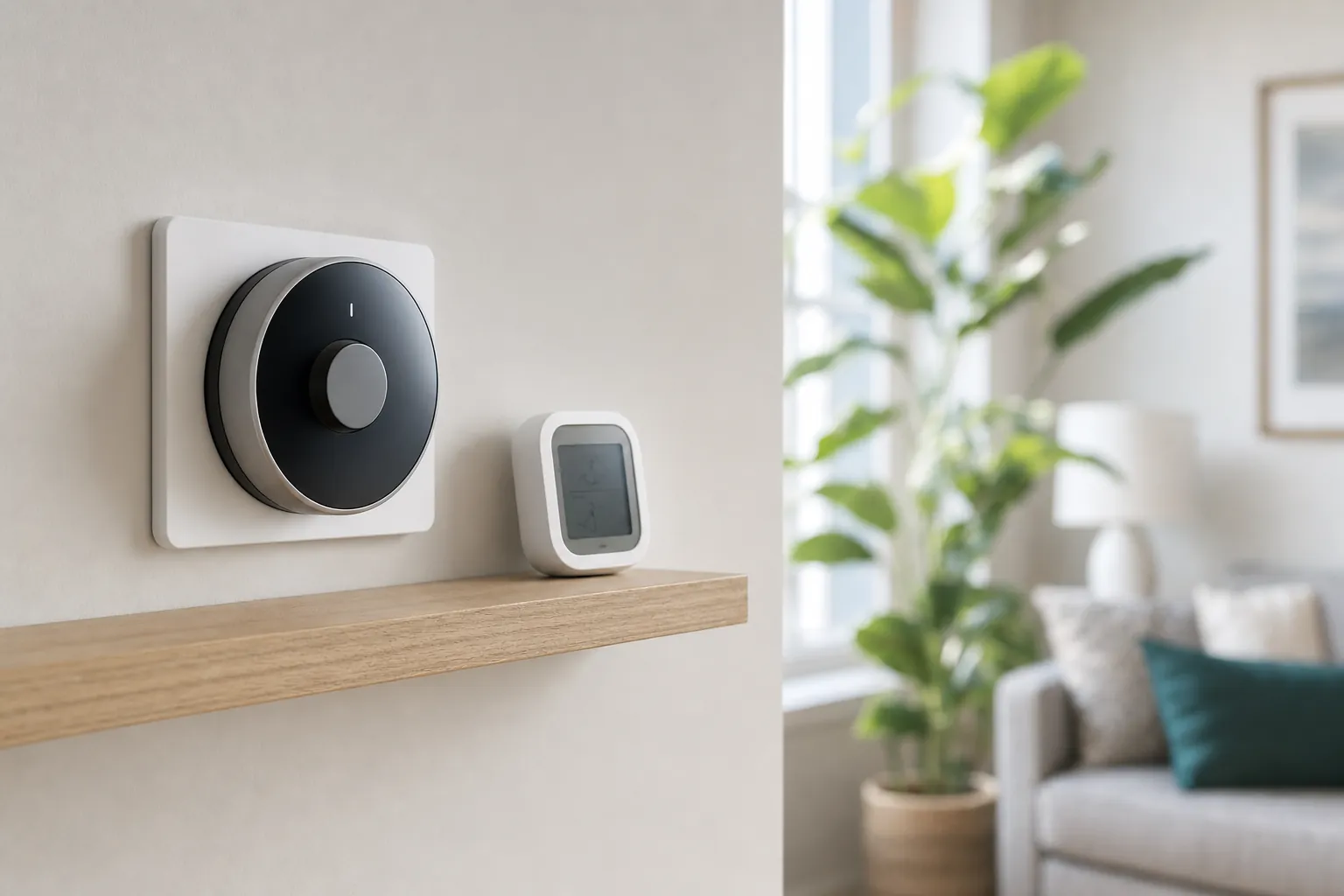
Keep it off a windowsill, away from a supply vent, radiator, portable humidifier, dehumidifier exhaust, and direct sun. Those spots can make the reading look more dramatic than the room really is. Chest height on a shelf, side table, or interior wall is often a sensible starting point. Give the device time to settle after moving it before treating the reading as meaningful.
How to use the history instead of chasing a number
Set up the sensor, then leave it alone for a few ordinary days. Keep a simple mental note of what changed: a rainy afternoon, a long shower, laundry drying, a dinner that used the stove, guests sleeping in a closed room, or a heating cycle that ran more often than usual. The aim is to find a pattern worth acting on.
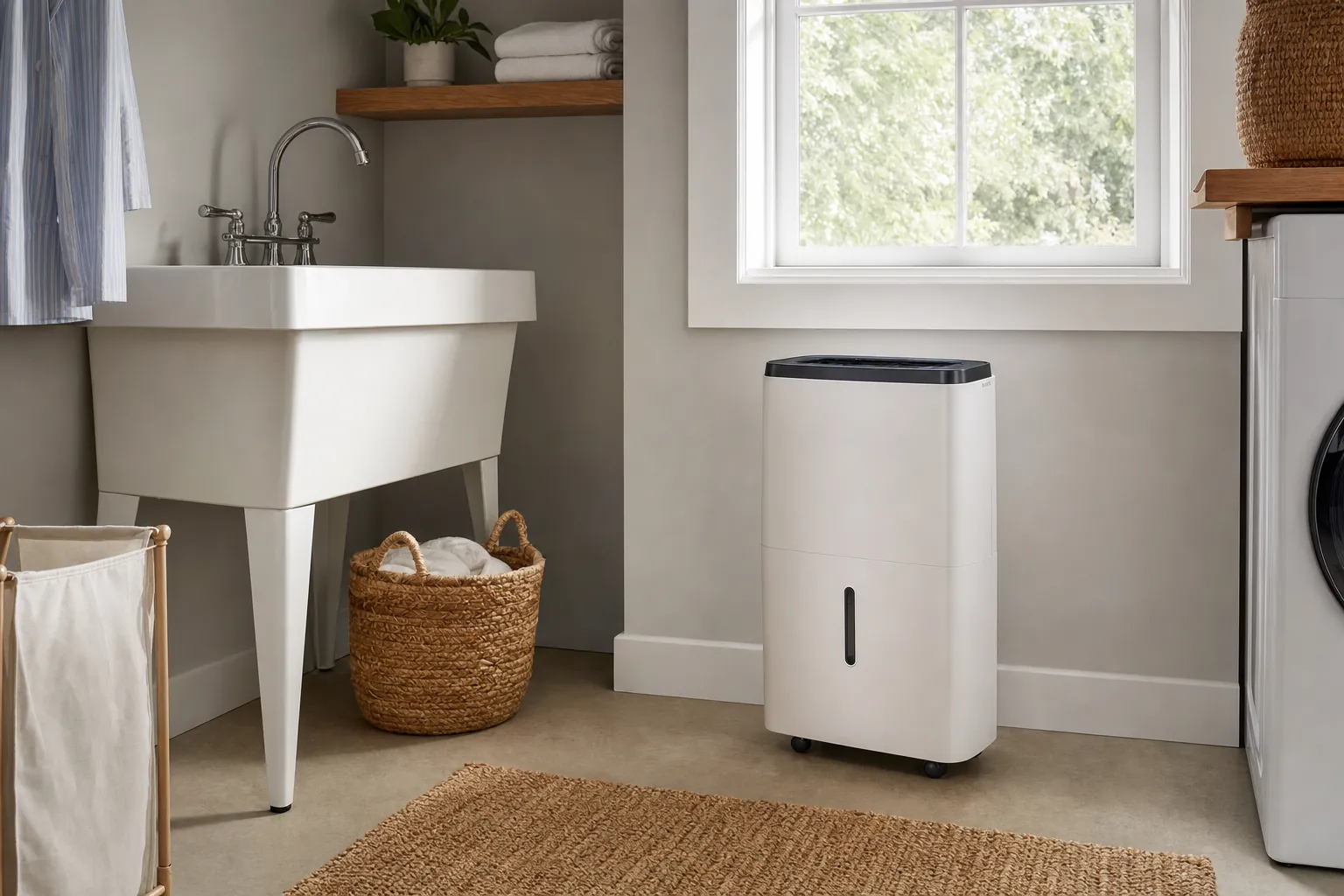
Start with one small response. If a bathroom stays humid after showers, run the fan longer and compare the next few days. If a bedroom gets stuffy only with the door closed, try a different airflow routine before buying another device. If a basement runs humid throughout the week, check for obvious sources of moisture and consider whether a dehumidifier is doing enough work for the space.
This is the same useful habit behind a smart home energy monitor: measure a real pattern, make one change, then compare the result. A dashboard full of data is not the goal. A more comfortable room and a clearer next decision are.
Alerts should be narrow and useful. A notification every time a room rises by one percent will become background noise. Instead, set an alert for a level that matters in that room or for a persistent change that deserves attention. You may want a different threshold for a bathroom that briefly gets steamy than for a basement storage area that should stay steady.
What to do when humidity stays high
First, look for the easy explanation. Is the bathroom fan working and venting outside? Is a window open during damp weather? Are clothes drying in a closed room? Is there a door keeping moist air trapped? Is a portable dehumidifier running with its filter and drain arrangement in good shape? Small changes can make a meaningful difference when the moisture source is ordinary daily activity.
Then check whether the pattern is isolated. One room behaving differently from the rest of the home points you toward that room's ventilation, temperature, wall surface, or use. A whole home that stays humid may call for a broader look at heating, cooling, ventilation, and outdoor conditions. A sensor helps you explain the pattern clearly if you need advice from a qualified home professional.
Do not use a smart device to delay a real repair. Visible water, a musty smell, material that remains wet, or a sudden unexplained change deserves prompt attention. The Centers for Disease Control and Prevention also emphasizes addressing moisture problems rather than simply covering them up. Its mold information for homes is a useful starting point when you are unsure how seriously to treat a moisture issue.
What to do when humidity stays low
Dry air is usually a comfort question before it is a smart-home project. Look at season, outdoor conditions, and how often the heating system runs. Confirm the reading in more than one area before trying to correct the whole home from a single dry room.
If you use a humidifier, keep it clean and avoid setting it to run without paying attention to the room response. Adding moisture can help in a dry room, but it should not create condensation on windows or make adjacent surfaces feel damp. A sensor is useful here because it tells you whether the change is actually helping instead of encouraging you to keep adding moisture by habit.
For a complete comfort picture, pair the room reading with the controls you already have. Our smart-home automation guide explains how routines can reduce repetitive adjustments, while the smart lighting energy guide helps keep simple household changes grounded in what people will actually use.
How to choose a humidity sensor without overbuying
Choose for the decision you need to make, not for the longest feature list. If you want to understand one room, a simple sensor with a readable history and sensible alerts may be enough. If you want it to trigger a fan, dehumidifier, or broader routine, check whether it works with the smart-home platform you already use before committing to a new ecosystem.
Pay attention to placement flexibility, battery life, alert controls, and whether you can see a multi-day history without a complicated setup. A screen can be useful for a room you check in person. An app can be useful for a basement, second floor, or property you do not enter every day. The best option is the one that helps you notice a real pattern and respond without creating another chore.
For renters, start with a portable sensor and a room-level change you can control. You do not need to alter wiring or replace a thermostat to learn whether a space is holding too much moisture. The renter-friendly smart-home guide has more ways to make targeted improvements without turning a lease into a renovation project.
The SavvyNests take
A smart home humidity sensor earns its place when it turns a vague comfort problem into a clear observation. Use it to learn when a room changes, compare one practical response, and stop guessing. It is not a replacement for good ventilation, a repair, or professional guidance when moisture is persistent. It is a small measurement tool that can make the next step easier to see.