Smart-home privacy is not about refusing every connected device. It is about choosing what belongs in the home, deciding who can reach it, and checking the settings that turn a useful feature into a data trail. A camera at an entry, a smart speaker in a kitchen or a thermostat on the wall can all make daily life easier. They also deserve the same deliberate setup you would give a phone or laptop.
The useful goal is simple: keep the features your household actually uses, then reduce needless collection, sharing and access. You do not need a networking degree or a dramatic whole-house reset. Start with the devices that can hear, see, unlock, or reveal when the home is occupied, then work through one small privacy decision at a time.
NIST's recent research found that smart-home owners can feel uncertain about how to protect the devices and the data they collect, especially because different device categories raise different concerns. This guide turns that uncertainty into a practical check you can repeat whenever a device, app, router or household member changes.
Start with the job, not the gadget
Before changing a setting, write down what each device is supposed to do. A doorbell may need to notify you about visitors. A thermostat may need a schedule. A speaker may need timers and music. If a feature does not help with that job, it is reasonable to leave it off.
This keeps privacy choices grounded in real life. A camera does not need to watch a neighbour's doorway to protect a package. A voice assistant does not need purchasing enabled just to set a timer. A smart lock does not need every former guest account to stay active after a visit ends. The smaller and clearer the purpose, the easier it is to spot permissions that are not earning their place.
Include everyone who shares the space before putting an always-on device in a bedroom, nursery, shared hallway or living room. NIST recommends getting household agreement before buying a smart-home product, particularly because these devices can sit in the most private parts of a home. A clear conversation is more useful than a surprise setting buried in an app.

Know what the device can collect
Different devices create different kinds of information. A camera can record video, motion events and timestamps. A speaker can process voice requests. A lock can keep access events. A thermostat can reveal a schedule and whether the home is heating or cooling. None of that means a product is automatically a bad choice. It means the decision should match the information it handles.
Before buying or setting up a device, read the product privacy summary and look for four plain answers: what is collected, where it is stored, how long it is kept, and which settings let you change that. NIST's consumer guidance for safer smart homes specifically recommends reviewing video and audio retention and whether information can be limited before it is sent to the manufacturer.
Focus on the device category, not only the brand. In a 2025 NIST survey of 401 U.S. smart-home users, people reported different concerns across lighting, security devices, sensors, thermostats and voice assistants. That is a good reason to give a camera, a speaker and a thermostat their own privacy check instead of assuming one app setting covers the whole home.
Do not assume a privacy label, Matter badge, or local-storage option answers every question. A device may offer local recording while its app still collects account or diagnostic information. A local hub may be a better fit for some homes, but it is still worth checking its account, remote-access and backup settings. SavvyNests' guide to smart homes without Wi-Fi explains why local control and internet access are separate questions.
Set up accounts that are easy to defend
Most smart-home privacy failures start with ordinary account hygiene, not a mysterious technical attack. Give the main household account a unique, long password and turn on multi-factor authentication when the brand offers it. NIST recommends multi-factor authentication because it adds a second check even if a password is exposed.
Use individual household accounts when the platform supports them. That makes it easier to remove a former roommate, contractor or guest without changing the whole system. Avoid sharing one password by text message. A guest code for a lock, temporary camera access, or a shared-home invitation is usually easier to review and revoke later.
For a smart lock, keep the physical key, keypad method or other approved fallback available as well. Privacy and access should support each other, not create a situation where one misplaced phone locks the household out. The smart-lock safety guide and renter-friendly lock guide can help with the fit, access and move-out details before you add anyone to a lock app.
Review cameras, microphones and location features first
Start your review with devices that capture the most sensitive information. Check a camera's activity zones, privacy shutter or schedule, recording duration, shared users and whether a light or notice shows when it is active. Aim the view at the purpose you identified, such as your own entry or package area, rather than a shared hall, neighbour's property or a private room.
With speakers and displays, look for microphone controls, voice-history settings, purchasing permissions and household profiles. Turn off a feature that no one relies on. For example, disabling voice purchasing can remove an unnecessary route to an account without affecting timers, music or lights. NIST gives that as a practical example of disabling unused smart-home features.
Location-based routines deserve the same review. Arrival and departure automations can be convenient, but check who can see household location, which phones are included, and what action the routine triggers. A simple entry light is very different from a routine that changes locks, cameras and alarms. Begin with the smallest action that solves the real problem.
Make the home network a privacy boundary
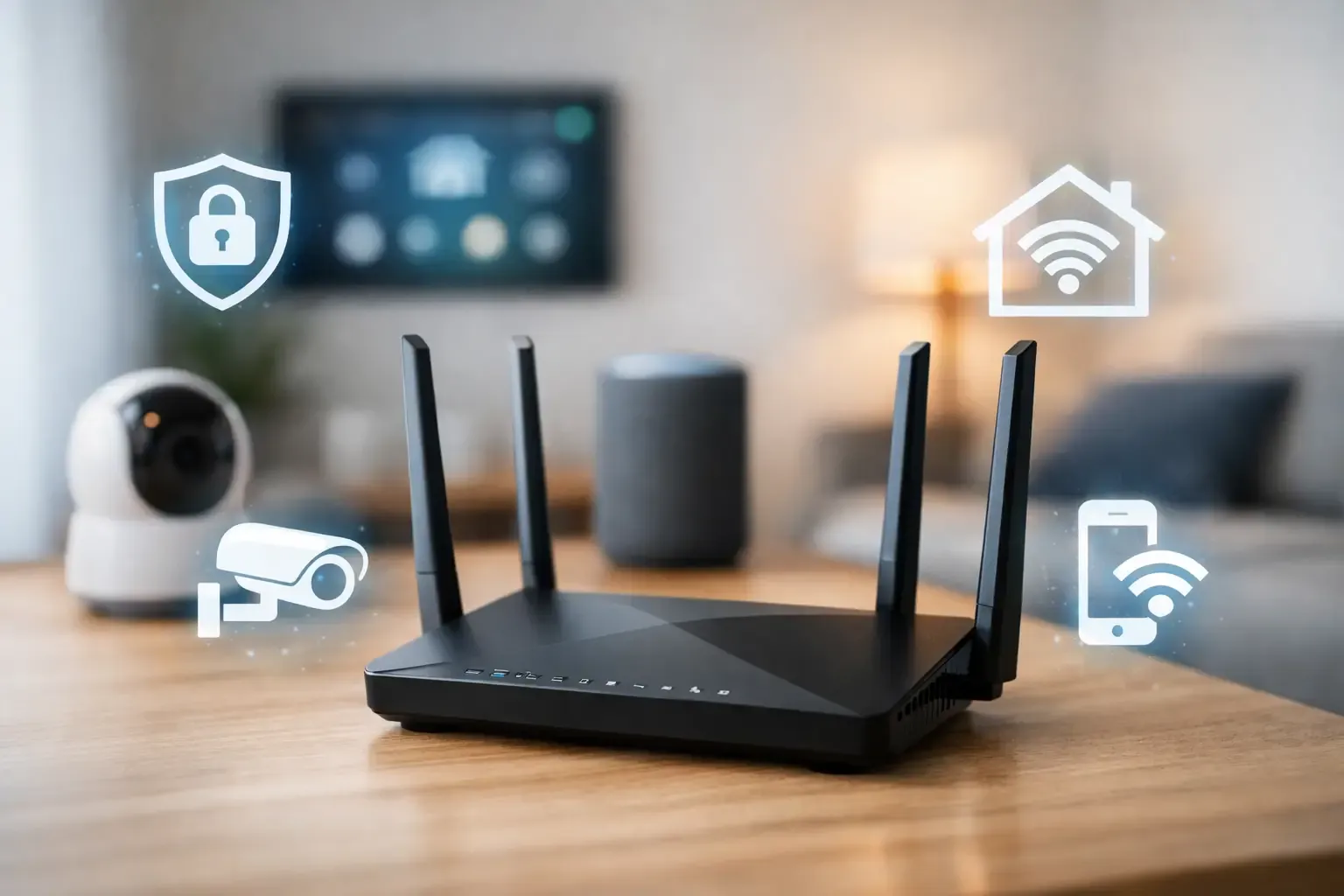
Your router is the front door for the connected devices in your home. Change its default administrator login, use a strong Wi-Fi password, and keep its software current. Then decide whether a separate network for smart-home devices makes sense for your household.
A separate network can reduce the chance that a vulnerable camera or plug sits beside the computer holding tax documents, family photos or work files. It is not a universal button. Some phones, speakers, hubs and casting devices need to discover each other locally, so move one low-stakes device first and test it before changing everything. NIST also recommends considering a separate smart-device network, while recognising that the setup should remain manageable.
For the practical step-by-step trade-offs, use SavvyNests' router isolation guide. If devices regularly go offline, solve the reliability problem before treating a second network as the answer. The connection troubleshooting guide and smart-home Wi-Fi guide can help you check placement, range and power without turning a small problem into a complicated rebuild.
Keep updates and support in the plan
Updates are often how a manufacturer fixes a security weakness or improves privacy controls. Turn on automatic updates when they are available and realistic for the device. Then make a short list of the brands and apps that matter most, especially cameras, locks, hubs, routers and voice assistants. A quick check once a month is more useful than discovering an old device has been unsupported for years.
Do not treat an unsupported device as invisible. If it controls access, watches a private space or holds important household data, check the manufacturer's support status and decide whether it still has a safe limited role. Replacing or retiring a device can be the simpler option when it no longer receives updates. NIST notes that older items unable to receive updates should be considered for replacement or retirement.
Add this work to the same rhythm as batteries and alert tests. SavvyNests' smart-home maintenance checklist gives you a simple place to track updates, access changes and devices that need a deeper review.
A 20-minute smart-home privacy check
- List the sensitive devices. Start with cameras, speakers, locks, hubs, routers and anything that knows when someone is home.
- Remove access that no longer belongs. Check shared accounts, guest codes, old phones and former household members.
- Turn on account protection. Use a unique password and multi-factor authentication for the primary account.
- Open one app at a time. Review recording retention, microphone use, location routines, purchasing and data-sharing options. Keep only features the household uses.
- Check updates. Turn on automatic updates where possible and note any device that is no longer supported.
- Review the router. Confirm the administrator password, Wi-Fi password and update status. Consider a separate smart-device network only after testing what needs to communicate.
- Test the fallback. Make sure a lock, light, thermostat or alert still has a clear human control when an app is unavailable.
This is not a one-time audit. Repeat it after moving, changing routers, adding a camera, sharing access, or bringing home a new device. The goal is not perfect control over every data point. It is a home where everyone understands what the devices do, who can access them and how to change that.
How SavvyNests helps you choose a more private setup
SavvyNests focuses on the practical questions that make connected technology work in a real home: compatibility, manual fallbacks, clear access and routines that remain understandable. Use this checklist before adding a device, then choose the next guide based on the household job you are trying to solve. For a wider starting point, see the beginner smart-home guide or the smart-home automation guide.
A useful smart home should feel more settled, not more watched. Start small, protect the accounts that matter, and keep only the connected features that earn their place every day.
Frequently asked questions
How can I make my smart home more private?
Start with cameras, speakers, locks, hubs and the router. Give accounts unique passwords and multi-factor authentication, remove old shared access, review recording and microphone settings, keep updates enabled and limit devices to the features your household actually uses.
Should smart-home devices be on a separate Wi-Fi network?
A separate network can be a useful boundary between smart devices and computers holding sensitive files. Test one low-stakes device first because some speakers, hubs, phones and casting devices need local discovery to work as expected.
Do smart-home devices collect personal data?
Many can collect information related to their function, such as video clips, voice requests, motion events, access history or temperature schedules. Check the specific product's privacy summary for what it collects, where it is stored, how long it is kept and which settings you can change.
What should I do with an unsupported smart-home device?
Check whether it still receives security updates and whether its role is sensitive. A device that controls access, records private spaces or holds household data deserves a careful review. Replacing or retiring it can be the safest choice when support has ended.