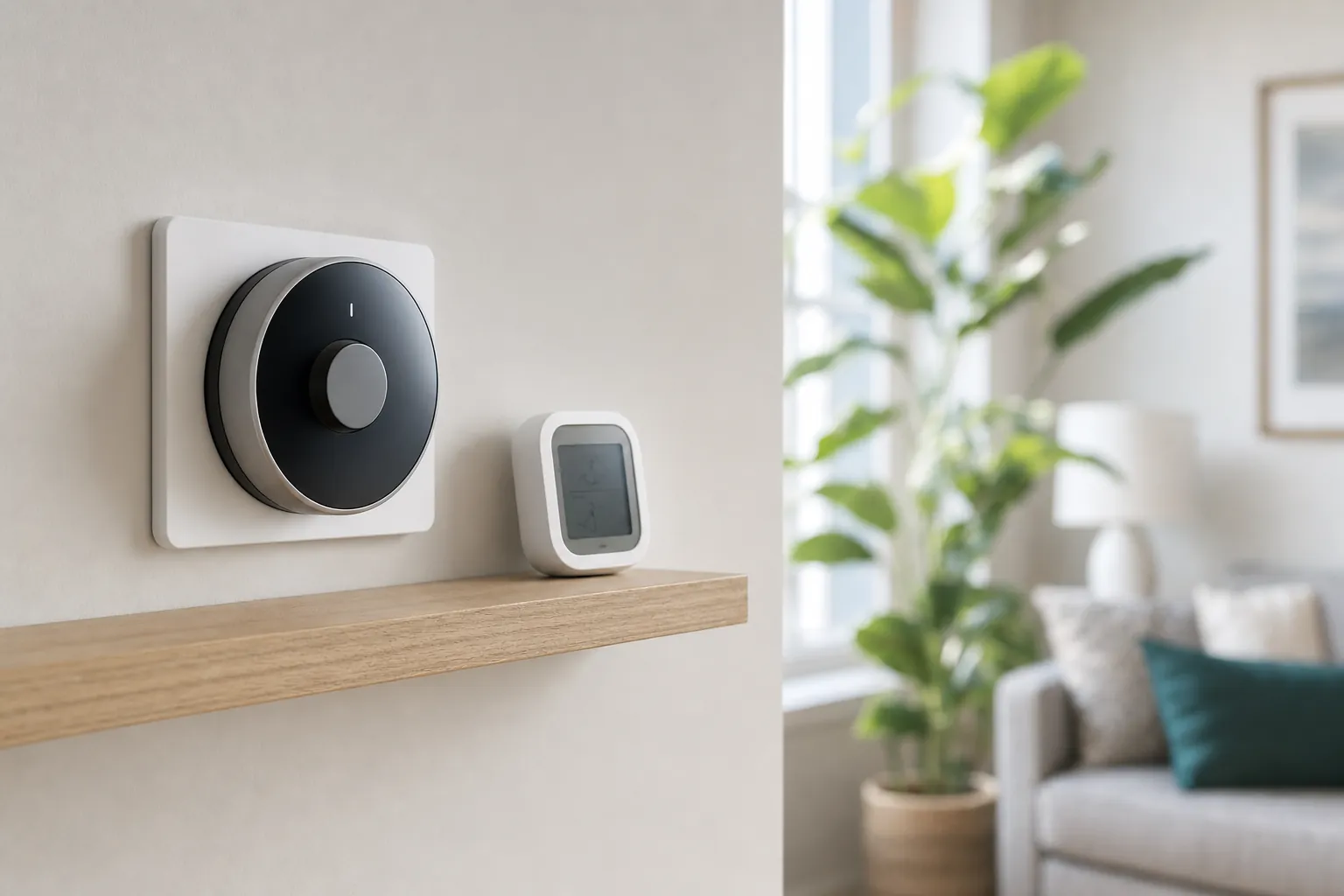
A thermostat that shows humidity can be useful. A thermostat that actually controls humidity can be more useful still. The important distinction is easy to miss when you are comparing feature lists.
Your thermostat can measure the air near it, tell your heating and cooling system when to run, and in some homes coordinate equipment that adds or removes moisture. It cannot pull moisture from the air by itself, fix a damp basement, seal an air leak, or make an oversized air conditioner run long enough to do its job well.
If your home feels clammy in summer, dry in winter, or simply uncomfortable at a temperature that should feel fine, start by learning what the thermostat controls and what it only reports. That keeps you from buying a setting when the home really needs a different solution.
What a thermostat with humidity control actually does
At the simplest level, a thermostat has a humidity sensor. It displays relative humidity, records it in an app, or lets you know when the air has moved outside a range you choose. That is monitoring, and it is valuable because comfort problems are hard to solve when you are guessing.
Humidity control means the thermostat can ask connected equipment to respond. In cooling season, some systems can run the air conditioner longer or at a lower fan speed to remove more moisture. In dry winter climates, a compatible thermostat can control a whole-home humidifier. With the right wiring and HVAC equipment, it may also coordinate a dedicated dehumidifier.
Those capabilities depend on the equipment behind the wall. A thermostat does not create dehumidification. It only sends a request to equipment that is designed and wired to handle it. Before treating humidity control as a reason to replace a working thermostat, confirm what your furnace, air handler, air conditioner, humidifier, or dehumidifier can actually do.
A comfortable humidity target is a range, not one magic number
Relative humidity changes with weather, indoor temperature, cooking, showers, laundry, and how the home is built. Most homes feel comfortable somewhere in the middle rather than at one exact reading. The U.S. Environmental Protection Agency advises keeping indoor humidity below 60 percent, ideally between 30 and 50 percent, to help limit moisture problems such as mold growth and dust mites. Its indoor humidity guidance is a useful reference when you are deciding whether a reading needs action. Use that range as a practical guardrail, not as a reason to chase the display all day.
In summer, indoor air that stays above roughly 50 to 55 percent can feel sticky even when the thermostat is set low. In winter, very dry air can make skin, sinuses, wood furniture, and static electricity more noticeable. But adding moisture too aggressively in cold weather can create condensation on windows or in poorly insulated areas. The right setting for a humidifier often changes as outdoor temperatures fall.

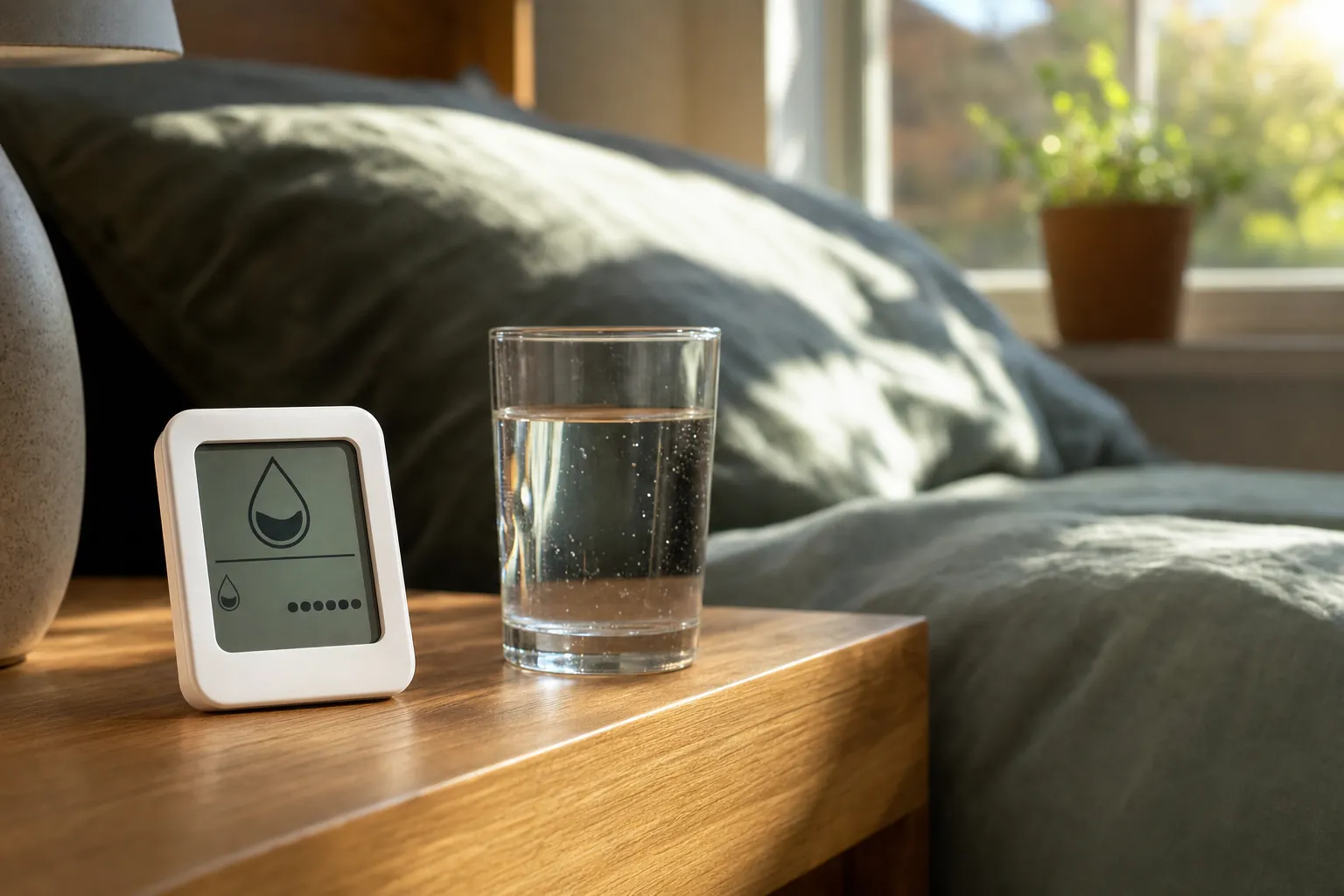
For a useful reality check, place an inexpensive hygrometer in the room that feels uncomfortable. Keep it away from an open window, supply vent, shower, kitchen steam, or direct sun. Compare its reading with the thermostat for a few days. A small difference is normal. A large persistent difference can mean the thermostat is in a poor location, the sensor needs attention, or the problem is limited to one room.
When a smart thermostat can help with high humidity
Central air conditioning naturally removes some moisture while it cools. That is why a thermostat can sometimes help with summer humidity, but only if the cooling system has enough time to run. A system that blasts cold air for short cycles may lower the temperature quickly while leaving the home damp. A compatible thermostat may offer a dehumidification setting, a cooling-overrun strategy, or a way to slow the indoor fan during a call for cooling.
Use those features carefully. Lowering the temperature just to make the house feel less humid can increase energy use and still miss the real cause. A better first move is to choose a moderate indoor temperature, set a sensible humidity target if your thermostat and system support one, and watch what happens over several days of similar weather.
Also look for the ordinary sources of indoor moisture. Long showers without an exhaust fan, unvented drying, a basement seepage problem, a plumbing leak, or outdoor air leaking through gaps can overwhelm what an air conditioner can remove. If humidity remains high even when the system runs normally, an HVAC technician can check airflow, refrigerant performance, drainage, system sizing, and whether a dedicated dehumidifier makes more sense.
When the answer is a dehumidifier, not a new thermostat
A portable dehumidifier is often the more direct option for one damp area, such as a basement, laundry room, closed bedroom, or room where laundry dries indoors. It collects moisture from the air into a tank or a drain hose. A thermostat may help you see the problem, but it will not replace a dehumidifier in a space where the central system cannot keep up.
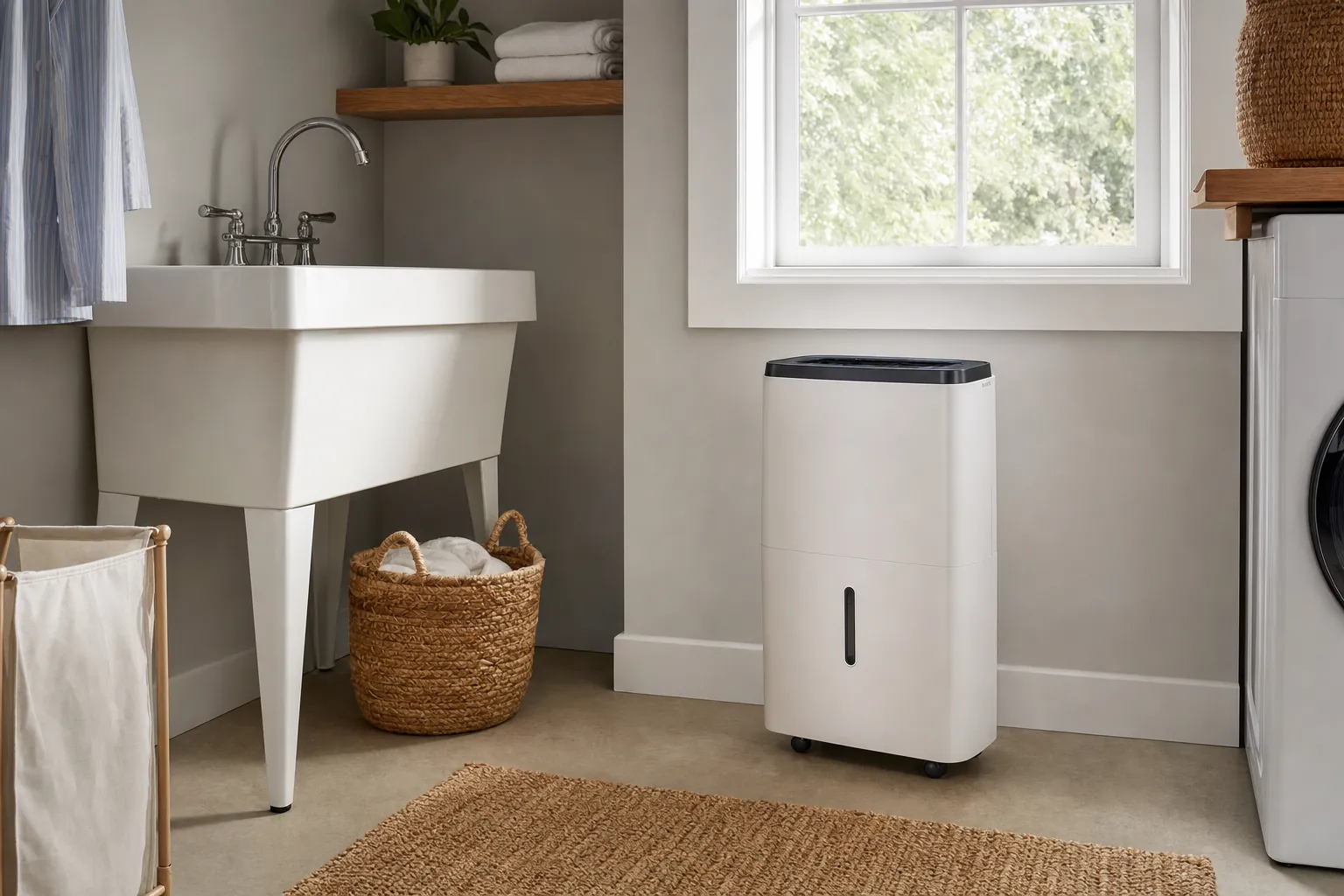
Choose the setup based on the room and the cause. A small portable unit may be enough for a single closed space, but it needs a safe outlet, clear airflow around it, regular filter care, and a plan for emptying the tank or routing a drain hose. A whole-home dehumidifier is a larger decision that usually belongs with an HVAC professional, especially when moisture affects several rooms or the home is empty for long periods.
Do not ignore water where it should not be. A dehumidifier can make a room feel better, but it will not repair a leaking appliance, foundation intrusion, or plumbing issue. For a focused early warning near a washer, sink cabinet, or water heater, SavvyNests’ water alarm placement guide helps you plan the sensor and response before water becomes a larger problem.
What to check before buying a humidity-capable thermostat
Do not shop by the word “humidity” alone. The feature could mean a display, an alert, a recommendation, or real control of equipment. Ask these questions before you buy:
- Does the thermostat only measure humidity? A visible reading is useful, but it is not the same as controlling a humidifier or dehumidifier.
- Can your HVAC system support a humidity accessory? Check the furnace, air handler, humidifier, dehumidifier, and control terminals, not just the thermostat package.
- Is the system compatible with the thermostat? Use the maker's compatibility checker and confirm the wiring before you remove the old control.
- Where is the thermostat located? A sensor near a kitchen, bathroom, exterior door, sunny wall, or supply vent can give a misleading picture of the home.
- Can you keep a manual fallback? A thermostat should not make normal heating and cooling harder to control when Wi-Fi is down or an app is unavailable.
- Will the feature help in your climate? A whole-home humidifier is more relevant in dry winter climates, while a dehumidification strategy matters more in humid summers.
For a broader compatibility check, use SavvyNests’ energy-saving thermostat guide to think through HVAC fit, schedules, and the difference between a helpful feature and a feature that adds more work.
Smart thermostat humidity control for renters
Renters need one extra question: can the existing thermostat be changed at all? A portable hygrometer or dehumidifier is usually easy to take with you. A wall thermostat, whole-home humidifier, or HVAC wiring change may need written permission and a plan to restore the original setup.
Start with the least permanent option that answers the problem. If a bedroom feels muggy, measure the room, improve ventilation when it is safe to do so, and consider a portable dehumidifier. If the whole apartment feels uncomfortable, ask building management whether the cooling system is operating as intended before replacing the thermostat yourself.
When a thermostat replacement is allowed, photograph the original wiring and save every original part. Confirm that the new control is compatible with the equipment and can be removed cleanly at move-out. SavvyNests’ apartment thermostat guide walks through those practical checks.
Simple troubleshooting before you change settings
Start by looking for patterns. Is the humidity high all day, only after showers, only in the basement, or only when the air conditioner stops? Does the thermostat reading disagree with another hygrometer? Does the air conditioner run in long steady cycles or start and stop every few minutes? Those answers are more useful than changing the target several times a day.
- Check the humidity in the room that feels uncomfortable for three to five days.
- Use bathroom and kitchen exhaust fans during moisture-heavy activities, and let them run long enough to clear the air.
- Make sure supply vents and return grilles are not blocked by furniture, rugs, or boxes.
- Replace HVAC filters on the schedule recommended for your system.
- Look for obvious leaks, wet insulation, window condensation, or a full dehumidifier tank.
- Call an HVAC professional when the problem affects the whole home, persists through normal system operation, or comes with water damage, odors, or visible mold.
A good smart-home setup starts with reliable basics. A connected thermostat can make routines easier, but it cannot compensate for a maintenance or moisture problem that needs hands-on repair.
How SavvyNests helps you choose
SavvyNests looks past the feature list and focuses on the details that decide whether a home upgrade helps: compatibility, upkeep, ongoing cost, and what happens when a device cannot solve the underlying problem. If you are planning a more comfortable daily routine, explore the smart-home automation hub for practical next steps that work with the home you already have.
Frequently asked questions
Can a thermostat control humidity?
It can only control humidity when it is connected to compatible equipment, such as a whole-home humidifier, a central dehumidifier, or an HVAC system that supports dehumidification strategies. Many thermostats can display humidity without directly changing it.
What humidity should I set on a smart thermostat?
A useful indoor target is usually a range rather than one exact number. The EPA advises keeping indoor humidity below 60 percent, ideally between 30 and 50 percent. Adjust slowly for your season, climate, windows, and comfort, especially when using a humidifier during cold weather.
Will lowering the thermostat reduce humidity?
Sometimes, because an air conditioner removes moisture while it runs. Lowering the temperature is not a reliable humidity plan, though. If the home stays damp, the system may need more runtime, better airflow, a dedicated dehumidifier, or repair of a moisture source.
Do I need a humidifier if my thermostat shows low humidity?
Not automatically. First confirm the reading with a separate hygrometer in the room where you feel dry. If dry air is persistent and the home can support a humidifier safely, a portable or whole-home option may help. Avoid adding moisture until windows condense or surfaces feel damp.
Can renters install a thermostat with humidity control?
Only with the property owner's permission when the thermostat is part of the apartment's HVAC system. A portable hygrometer or dehumidifier is usually simpler and can move with you. If a thermostat replacement is approved, confirm compatibility and keep the original unit and wiring record for move-out.