Imagine it is 3 AM and your peaceful sleep is shattered by the shrill, rhythmic chirp of a low battery alert from a sensor you cannot even locate. It is a classic smart home headache that turns a modern convenience into an annoying chore. We have all been there, staring at a “Device Offline” screen or feeling that nagging anxiety about whether an outdated security camera is actually protected against the latest threats.
You invested in this technology to make your life easier, and you deserve a system that just works. This proactive smart home maintenance checklist is your roadmap to a truly frictionless nest in 2026. By following this framework, you can eliminate ghosting devices and close security gaps before they become problems. Our goal is to help you achieve a “set it and forget it” level of reliability that keeps your home running like new.
We are going to dive into a streamlined digital hygiene routine that covers everything from Matter 1.6 updates to Wi-Fi 8 optimization. You will learn how to lower your network latency, improve device response times, and ensure your ecosystem remains secure and responsive for the long haul.
Key Takeaways
- Adopt a proactive “SavvyNests” mindset to prevent device decay and ensure your automation ecosystem remains fast and reliable.
- Use our 2026 smart home maintenance checklist to perform essential firmware audits and remove unused app permissions that create security gaps.
- Master the “Battery Hierarchy” and hardware cleaning techniques to eliminate false alerts and those dreaded middle-of-the-night low battery chirps.
- Identify and fix “ghost automations” and mesh network dead zones to maintain seamless communication between your Matter and Thread devices.
- Implement a simple monthly and quarterly calendar to protect your tech investment and enjoy a truly frictionless home environment.
Table of Contents
- The 'Set It and Forget It' Myth: Why Smart Homes Need a Maintenance Mindset
- Digital Hygiene Checklist: Software, Security, and Cloud Health
- Physical Hardware Maintenance: From Sensors to Lens Clarity
- Ecosystem Optimization: Auditing Automations and Mesh Health
- The Savvy Maintenance Calendar: A Year of Smart Home Success
The ‘Set It and Forget It’ Myth: Why Smart Homes Need a Maintenance Mindset
Many homeowners believe that once they install a few smart plugs and a doorbell camera, their job is done. They expect these devices to work perfectly forever without a second thought. However, any modern home automation system is a living digital ecosystem that requires consistent attention. This is where we encounter “Smart Home Decay.” It is the gradual decline of software efficiency, network health, and physical sensor accuracy that happens when tech is left to its own devices. Using a proactive smart home maintenance checklist helps you fight this decay, ensuring your home remains as fast and secure as the day you set it up.
To better understand why a proactive mindset is the key to a reliable home, watch this helpful video about essential maintenance routines:
The Savvy Nest philosophy shifts your focus from frustrating, reactive troubleshooting to simple, proactive care. Instead of waiting for a leak sensor to fail during a basement flood, you check its status and battery quarterly. This approach significantly reduces latency. When your network is clean and your firmware is current, commands move from your phone to your devices in milliseconds. Proper maintenance also has environmental perks. A smart thermostat only saves energy and reduces your carbon footprint if its occupancy sensors are clean and calibrated correctly.
The Cost of Neglect: Beyond Just Offline Devices
Ignoring updates creates risks that go beyond a light bulb not turning on. Outdated firmware acts as a digital open door for intruders, leaving your private network exposed to known vulnerabilities that manufacturers have already patched. Neglected devices also suffer from “signal hunting.” When a sensor struggles to reach a weak hub, it ramps up its radio power to compensate. This behavior drains batteries in weeks instead of years, leading to those annoying 3 AM chirps.
The 2026 Standard: Maintaining a Matter-First Home
In 2026, maintaining a high-performance home requires understanding Matter 1.6 and Thread mesh standards. Unlike older cloud-based tech, Matter relies on local control, which puts more pressure on your home’s internal network stability. You should perform periodic node audits to ensure every device has a strong path to your controller. Choosing the best smart home hub is the first step in this journey. It acts as the reliable heart of your smart home maintenance checklist, managing everything from security patches to automation health.
Digital Hygiene Checklist: Software, Security, and Cloud Health
While wiping dust off a camera lens is satisfying, the most critical part of your smart home maintenance checklist happens behind the scenes. Digital dust, such as lingering app caches, orphaned permissions, and ghost devices, slows down your system and creates invisible friction. A dedicated 6-month firmware audit is essential because “Auto-Update” features often fail to catch major version jumps or require manual re-authentication to complete. Firmware serves as the essential bridge between hardware and intelligence; without it, your devices lose their ability to communicate effectively.
Security is not a one-time setup. It is a recurring practice. Rotating your passwords and checking your Two-Factor Authentication (2FA) settings ensures that you remain the only person with the keys to your digital kingdom. You should also audit your storage. Old video doorbell footage can clutter your cloud account and lead to unexpected subscription costs. Clearing out unnecessary history keeps your apps snappy and your storage costs low. If you are looking to simplify your setup, check out our latest smart home buying guides to find devices that prioritize local storage over cloud reliance.
Auditing Your Smart Home Ecosystem
With the evolution of Matter standards in 2026, the “Multi-Admin” feature allows you to control devices across different platforms like Apple Home and Google Home simultaneously. However, this can lead to sync conflicts if one platform updates while the other lags. Regularly review which third-party apps have access to your primary accounts and revoke anything you no longer use. If you are currently using smart home devices for renters, double-check that your gear isn’t still linked to an old apartment Wi-Fi or a previous roommate’s account.
The Security Sweep
Take ten minutes to look at your router logs. Identifying unknown connected devices can alert you to neighbors piggybacking on your Wi-Fi or old gadgets you forgot to decommission. Following a formal Digital Hygiene Checklist helps mitigate these privacy risks by identifying common vulnerabilities. Finally, update your “Home Recovery” kit. This kit should include physical backup codes for your accounts and any manual override keys for your smart locks. Having these in a secure, accessible spot prevents a minor software glitch from turning into a total lockout.
Physical Hardware Maintenance: From Sensors to Lens Clarity
A smart home is only as intelligent as the data it collects. If your sensors are blocked by dust or your cameras are blinded by smudges, even the most advanced automations will fail. Physical upkeep is a foundational pillar of any smart home maintenance checklist. While digital updates keep the “brain” of your home sharp, hardware care ensures the “senses” remain accurate. Small physical obstructions often lead to those frustrating “Device Offline” errors or false alerts that disrupt your day.
Camera lens hygiene is one of the most overlooked tasks. A tiny fingerprint or a layer of pollen doesn’t just blur the image. At night, the camera’s own infrared (IR) lights can reflect off those particles, creating a hazy glare that makes the footage useless. Using a clean microfiber cloth to wipe the lens every few months prevents this IR glare and stops spiders from spinning webs that trigger constant motion alerts. This level of Ecosystem Optimization ensures your security perimeter remains crystal clear without constant manual intervention.
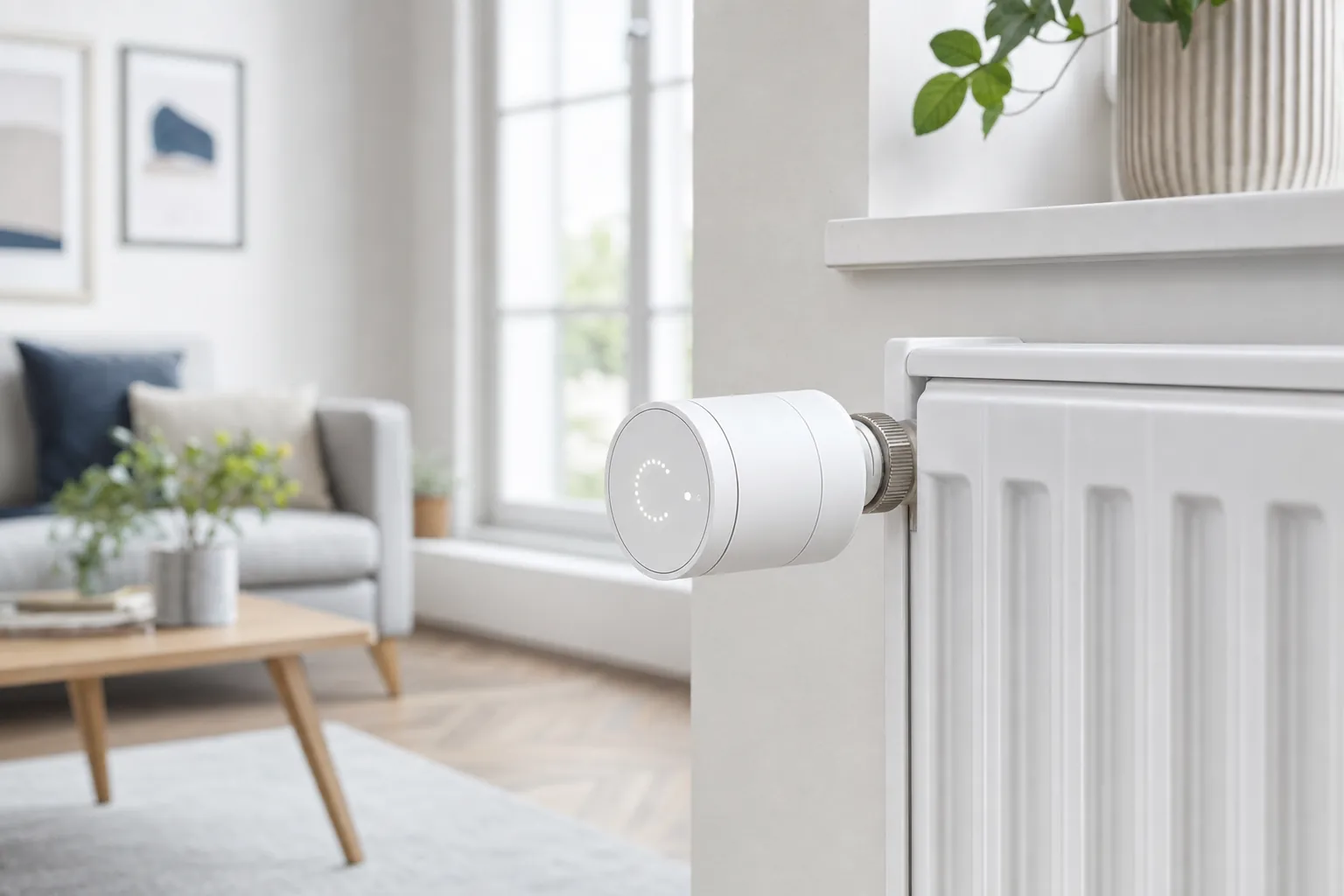
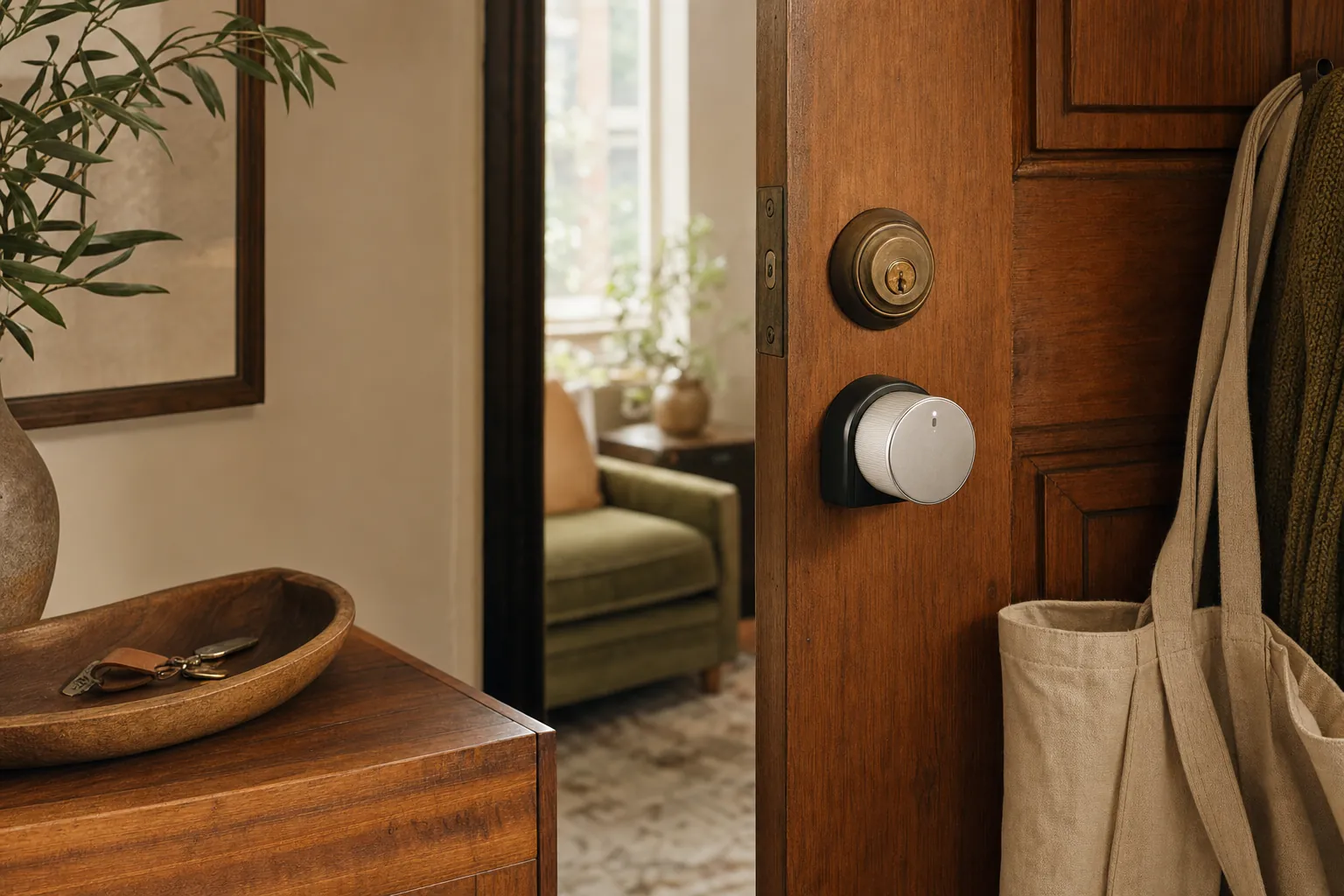
Understanding the “Battery Hierarchy” is another savvy move. High-drain devices, especially smart locks that physically move a bolt, perform much better with lithium batteries. They provide a more consistent voltage and handle extreme temperature changes without failing. For simple contact sensors, alkaline batteries are usually sufficient, but you should check them for signs of corrosion twice a year. Don’t forget to recalibrate your smart thermostat. Dust can settle on the internal sensors, causing the device to misread the room temperature by several degrees. A quick puff of compressed air into the thermostat vents often solves this “ghost” temperature drift.
Maintaining Your Security Perimeter
When you rely on diy home security systems, you are the lead technician. Check the physical alignment of every door and window sensor. If a door has sagged slightly, the magnet might be right on the edge of its trigger zone, leading to “tamper” alerts or failed arming sequences. Take a moment to inspect outdoor smart plugs and doorbell seals. Sun exposure can crack rubber gaskets, allowing moisture to seep into the electronics. Ensuring these seals are intact is a vital part of your 2026 smart home maintenance checklist.
The Smart Kitchen and Utility Audit
Your utility devices need a different kind of care. Perform a “10-second test” on leak sensors by touching them with a damp cloth to ensure the notification still reaches your phone. In the kitchen, descale smart coffee makers and replace fridge water filters to keep the internal flow sensors from clogging. If you use smart air purifiers, don’t just trust the app’s filter life percentage. Vacuum the external pre-filters to remove large dust bunnies; this keeps the motor running efficiently and extends the life of the expensive HEPA core inside.
Ecosystem Optimization: Auditing Automations and Mesh Health
A high-performing smart home relies on invisible threads of logic and connectivity. Over time, these threads can become tangled. You might notice “ghost automations” where lights flicker or thermostats change settings without a clear trigger. This usually happens when old routines clash with newer ones you’ve forgotten about. Part of your smart home maintenance checklist should include a seasonal audit of your automation logic to ensure every command still serves a purpose. It’s also the perfect time to review your “Away” and “Vacation” modes. These security-critical routines often break after app updates or device replacements, so testing them ensures your home stays protected when you aren’t there.
Network map audits are equally vital for a frictionless experience. Identifying “Dead Zones” in your Wi-Fi or Thread mesh prevents those annoying delays in device response. Follow the “Heart of the Nest” rule by placing your primary router in a central, unobstructed location. If you’ve added new 2026 appliances or your neighbors have upgraded their systems, you might face fresh signal interference. A quick network scan helps you see if your devices are struggling to talk to each other through the digital noise. This proactive approach keeps your response times low and your reliability high.
Untangling Conflicting Routines
As you learn how to automate your home, it’s easy to accidentally create “logic loops.” This happens when one routine triggers a second that immediately negates the first. With the rise of Matter 1.6, we also see “Fighting Ecosystems.” This occurs when Alexa and Apple HomeKit both try to manage the same smart bulb with different, contradictory rules. Pruning old routines that no longer fit your current lifestyle removes this friction and speeds up your system’s overall response time. It’s about making sure your home’s intelligence stays helpful, not confusing.
Mesh Network Healing
Modern Thread networks are designed to be self-healing, but they still benefit from a manual reset. Rebooting your Thread Border Routers once a quarter forces the mesh to find the most efficient paths for data. You can also improve stability by strategically moving smart plugs. Since many smart plugs act as repeaters for Zigbee or Thread nodes, placing them halfway between a distant sensor and your hub can bridge a weak gap. This small adjustment is a powerful part of any smart home maintenance checklist, ensuring every corner of your home stays connected and responsive.
The Savvy Maintenance Calendar: A Year of Smart Home Success
Consistency is the secret to a high-performance home. You don’t need to spend hours every weekend troubleshooting. Instead, distribute your smart home maintenance checklist tasks across a logical calendar. This approach prevents tech fatigue and ensures your system remains reliable without becoming a part-time job. By breaking maintenance into manageable intervals, you protect your investment and maintain that “set it and forget it” lifestyle you’ve worked hard to build.
- Monthly: The ‘Quick Sweep’. Open your primary app to check for offline icons. Wipe down camera lenses and doorbell sensors to prevent false triggers and ensure clear night vision.
- Quarterly: The ‘Deep Dive’. Test every battery-powered sensor in your home. Run manual firmware checks for devices that missed their auto-updates and audit your automation routines for logic loops.
- Bi-Annually: The ‘Security Shield’. Rotate your main account passwords and update your recovery codes. Review your router logs and network map to identify any new signal interference from neighbors.
- Annually: The ‘Savvy Upgrade’. Evaluate your oldest devices. Review our latest buying guides to see if new standards like Matter 1.6 offer better reliability for your specific setup.
Building Your Personal Maintenance Log
Use technology to manage your technology. Set recurring reminders in your phone for quarterly battery checks. Keep a physical “Emergency Binder” in a safe, accessible spot. This binder should hold your hub QR codes, Wi-Fi recovery keys, and manual reset instructions for every device. Setting up “Low Battery” notifications within your primary ecosystem ensures you receive an alert before a device actually dies. This simple step eliminates the stress of unexpected failures and 3 AM battery chirps.
When to Maintain vs. When to Replace
Even with perfect care, electronics have a lifespan. Recognizing the signs of End of Life (EOL) is essential for a truly frictionless nest. We recommend the “Savvy Rule” for aging gear: if a device drops offline more than three times in a single week despite a strong signal, it is likely failing. Rather than wasting time on a smart home maintenance checklist for an obsolete product, consult our smart home buying guide for a future-proof replacement. Upgrading to Matter-compatible devices often solves persistent connection issues for good, giving you back your peace of mind.
Mastering Your Frictionless Nest for the Long Haul
Building a reliable home isn’t about chasing every new gadget. It’s about maintaining the ecosystem you already have. By combining physical care with a strict digital hygiene routine, you ensure your Matter and Thread devices work in perfect harmony. Transitioning from reactive troubleshooting to a proactive smart home maintenance checklist stops small glitches from becoming major security gaps or middle-of-the-night annoyances.
We’ve shared expert 2026 technical insights to help you navigate this evolving landscape. Whether you need renter-friendly maintenance tips or deep-dives into multi-admin stability, these habits protect your tech investment. You now have the tools to keep your response times fast and your network secure for the long haul.
You’ve done the hard work of setting up your smart home. Now, these simple steps will help you enjoy the convenience and peace of mind you deserve; for those looking to further reduce stress and improve their overall quality of life, you can discover Citizen Coaching and Counselling. Your smarter, simpler lifestyle is just a few routine checks away.
Frequently Asked Questions
How often should I check my smart home device batteries?
You should check your smart home device batteries every three months. While many sensors last a year or more, quarterly checks prevent the frustration of a dead device during a critical moment. Use your primary app to monitor levels, but perform a physical inspection twice a year to look for battery leaks or corrosion. This simple habit keeps your sensors reliable and ready.
Why do my smart home devices keep going offline?
Devices typically go offline because of weak signal strength or interference from other electronics. In a 2026 home, new appliances or even a neighbor’s powerful router can disrupt your mesh network. If a device is consistently dropping, try moving a Thread border router or a Zigbee repeater closer to the problem area. Rebooting your primary hub often clears up minor connection glitches.
Do I really need to update smart bulb firmware?
Yes, updating your smart bulb firmware is vital for both security and system stability. These updates often include patches for connectivity bugs and critical security fixes that protect your network from intruders. Including these updates in your smart home maintenance checklist ensures your bulbs respond instantly to commands and stay compatible with the latest Matter 1.6 standards. Regular updates prevent your lighting from becoming a weak link.
How do I fix a ‘Ghost’ automation that turns lights on randomly?
To fix a ghost automation, you must audit the routines across all your connected platforms. It is common for an old routine in Alexa to conflict with a new one in Apple Home, especially in Matter-enabled households. Open each app and delete any schedules, geofencing rules, or vacation modes you no longer use. This pruning process removes the conflicting logic that causes lights to trigger unexpectedly.
What is the best way to clean a smart doorbell camera lens?
The best way to clean a smart doorbell lens is with a dry, clean microfiber cloth. Gently wipe the surface to remove fingerprints, dust, and pollen that cause hazy footage. Avoid using glass cleaners or rough paper towels, as these can damage the sensitive IR-transparent coating. A clean lens ensures your motion detection remains accurate and your night vision stays crisp and clear.
How can I tell if my smart home network is congested?
You can identify network congestion by watching for increased latency or delayed device responses. If your smart blinds take several seconds to move after you tap the screen, your bandwidth might be stretched too thin. Use your router’s management app to see how many devices are active. Upgrading to Wi-Fi 8 gear can help manage dense environments with dozens of connected smart gadgets.
Should I use ‘Auto-Update’ for all my smart home devices?
You should use auto-update for most devices, but don’t rely on it exclusively. Some major firmware jumps require you to manually accept new permissions or re-link your account before the update finishes. Adding a manual verification step to your smart home maintenance checklist ensures that security-sensitive devices like locks and cameras never fall behind. This hybrid approach offers the best balance of convenience and security.
How do I recalibrate a smart thermostat?
Recalibrate your smart thermostat by cleaning its internal sensors with a puff of compressed air to remove dust. If the reading is still inaccurate, check your app settings for a “temperature offset” or “calibration” menu. Use a separate, accurate thermometer to measure the air temperature near the device. Enter the difference into the app to ensure your HVAC system runs based on the actual room temperature.
Article by
Michael J. Mahon
I research and compare smart-home products for homeowners and renters, focusing on practical setup, compatibility, affordability, and everyday usefulness.