What if your smart home felt less like a collection of bickering gadgets and more like a well-rehearsed orchestra? Most of us start with a single bulb or a video doorbell, only to end up with a phone full of competing apps and hardware that refuses to talk to each other. Finding smart home devices that work together shouldn’t feel like solving a high-stakes puzzle. You deserve a space that’s genuinely helpful, not a source of technical headaches and app fatigue.
It’s frustrating to worry about “dead-end” tech or get lost in the alphabet soup of Zigbee, Thread, and Matter. We understand that you want convenience and peace of mind, not a part-time job as an IT manager. This guide clears the fog, teaching you how to choose devices that communicate perfectly from day one. You’ll learn how to create a single interface for your entire home, set up triggers that happen automatically, and ensure your hardware is ready for the latest 2026 standards. Let’s turn that pile of gadgets into a truly savvy nest.
Key Takeaways
- Discover how to implement a “Single Pane of Glass” strategy to control your entire home through one interface instead of a dozen different apps.
- Master the latest 2026 standards, including Matter 1.6 and Thread 1.4, to ensure you only buy smart home devices that work together without technical friction.
- Learn which specific device pairings, like smart locks and video doorbells, create the most seamless security and energy-saving routines.
- Use our three-question SavvyNests Checklist to vet every new purchase and avoid buying “dead-end” technology that won’t integrate with your existing setup.
- Explore “no-drill” and “no-trace” hardware options that offer the perfect balance of high-end performance and rental-friendly flexibility.
Table of Contents
The Dream of a Unified Smart Home: Why Synergy Matters
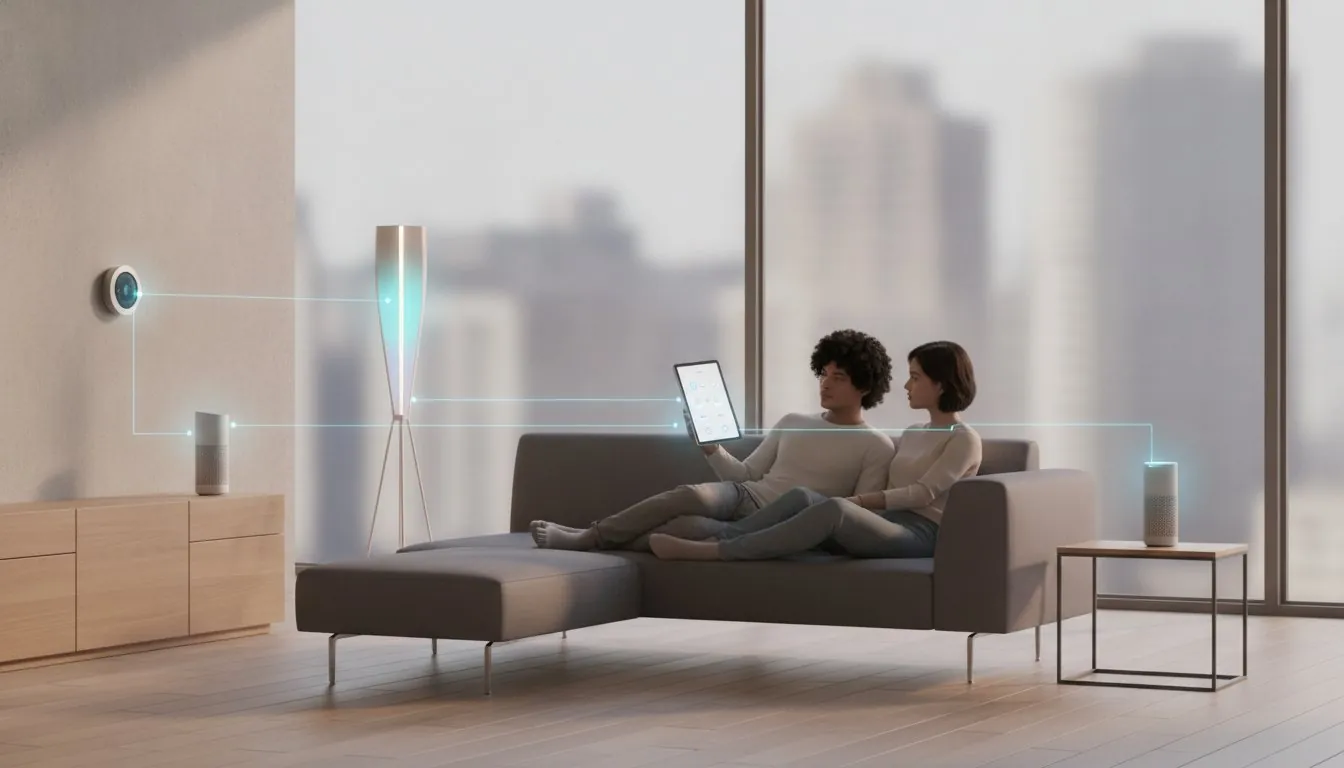
Interoperability is the heartbeat of a modern home automation setup. It describes the technical ability of different systems to exchange information and use that data to perform tasks. When you hunt for smart home devices that work together, you aren’t just looking for gadgets that show up in a list; you’re looking for an ecosystem that understands your needs. This synergy is what transforms a house from a collection of electronics into a living environment that supports your daily routines.
The shift from “connected gadgets” to a “responsive home” is where the magic happens. A connected home is often just a collection of remote controls on your phone, which can quickly become overwhelming. A responsive home, however, provides peace of mind by anticipating your arrival or securing itself when you leave. In 2026, technology should serve you, rather than demanding your constant attention and manual input. This pursuit of a frictionless environment mirrors the Stoic ideal of focusing on what truly matters; while you automate your surroundings, platforms like StoicOs.ai can help you cultivate the mental discipline to match your newly streamlined home.
To better understand how these systems can simplify your life, watch this helpful video:
This year marks a massive turning point for the industry. With the release of Matter 1.6 in June 2026 and the standardization of Thread 1.4, the technical barriers that once kept brands apart have crumbled. Previously, many users fell into the “App Trap,” where managing a dozen different platforms led to digital burnout and frustration. The maturation of these protocols has finally made it possible to find smart home devices that work together regardless of who manufactured them, ending the era of fragmented control.
The Difference Between Connected and Integrated
Being able to see a device in an app is only the first step. If you have to open a specific application just to dim a single bulb, the technology isn’t actually saving you time. True integration happens when your hardware talks behind the scenes. For example, a connected light might turn on when you tap a button on your phone. An integrated light turns on automatically because your smart lock informed the system that you just arrived home. True integration is the seamless cross-platform communication that allows devices to trigger each other without any manual intervention.
Why One Brand Isn’t Always the Answer
In the past, people felt forced to stay within “walled gardens,” buying every single product from one manufacturer to ensure they functioned correctly. By 2026, that limitation is a myth. You don’t have to sacrifice quality in one area just to keep your system unified. Mixing and matching allows you to pick a best-in-class camera from one brand and a superior thermostat from another. To learn more about selecting the right pieces for your setup, check out The Ultimate Smart Home Buying Guide: Build Your Savvy Nest in 2026. This approach ensures your home is flexible, powerful, and tailored to your specific lifestyle.
Choosing the Right Language: Matter, Thread, and Ecosystems
Selecting smart home devices that work together is much easier when you understand the “language” they speak. In the past, devices were often locked into specific brands, but the Matter smart home standard has changed the game. Version 1.6, released in June 2026, has refined how gadgets communicate, ensuring that your hardware remains fast and reliable. When you shop, look for the “Works with Matter” badge on the box. This icon is your guarantee that a device will integrate into your home without a technical fight.
While Matter is the language, Thread is the highway. Thread 1.4 is the current 2026 standard for a low-power mesh network. Unlike older WiFi-only devices that can clog your router and slow down your internet, Thread devices create their own stable network. They don’t rely on the cloud for every command, which means your lights turn on instantly even if your internet goes out. If you have dozens of old WiFi-only gadgets, you might notice your system feels sluggish. Transitioning to Thread-enabled hardware is a savvy way to future-proof your setup.
Matter: The Universal Translator
Matter acts as a universal translator, allowing a Nest thermostat to share data directly with an Apple HomePod or a Samsung fridge. To get started, you’ll need a “Matter Controller,” which is often built into modern smart speakers or hubs. This controller manages the “handshakes” between your devices so you don’t have to. If you’re looking for an easy entry point, our guide to the Best Matter Smart Plugs: The 2026 Guide to a Unified Savvy Nest shows you how to upgrade basic lamps into integrated team players.
Selecting Your Primary Ecosystem
Even with Matter, you still need a “brain” to manage everything. Choosing between Alexa, Google Home, and Apple HomeKit usually depends on the phone in your pocket. If you’re an iPhone user, HomeKit offers the most seamless experience. Android fans often prefer Google Home because of the deep integration with their mobile OS. For a deep dive into which platform fits your lifestyle, see our Smart Home Ecosystem Comparison 2026: Alexa, Google, or HomeKit?. Finding the right balance is key to owning smart home devices that work together without constant troubleshooting. You can explore more options in our smart home buying guides to find the perfect fit for your space.
The Best Smart Home Pairings That Work Together
Building a savvy nest is about more than just buying the latest gadgets. It’s about finding smart home devices that work together to solve real-world problems. When your devices communicate, they create a “force multiplier” effect. One device’s sensor becomes the trigger for another’s action. This eliminates the need for you to constantly check your phone or manual controls. You stop being the middleman between your technology and your home, allowing the system to handle the heavy lifting for you.
The Security Starter Pack
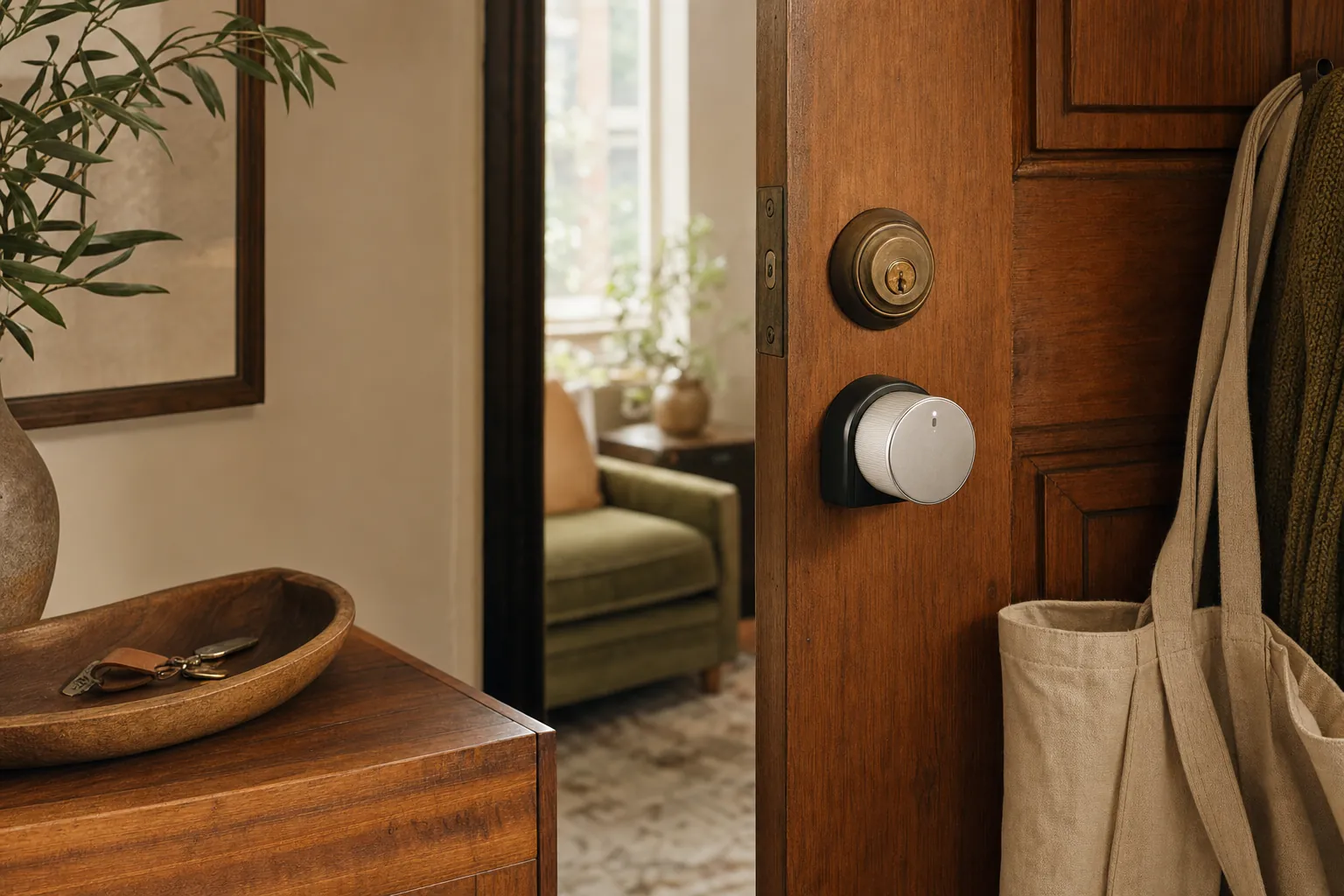
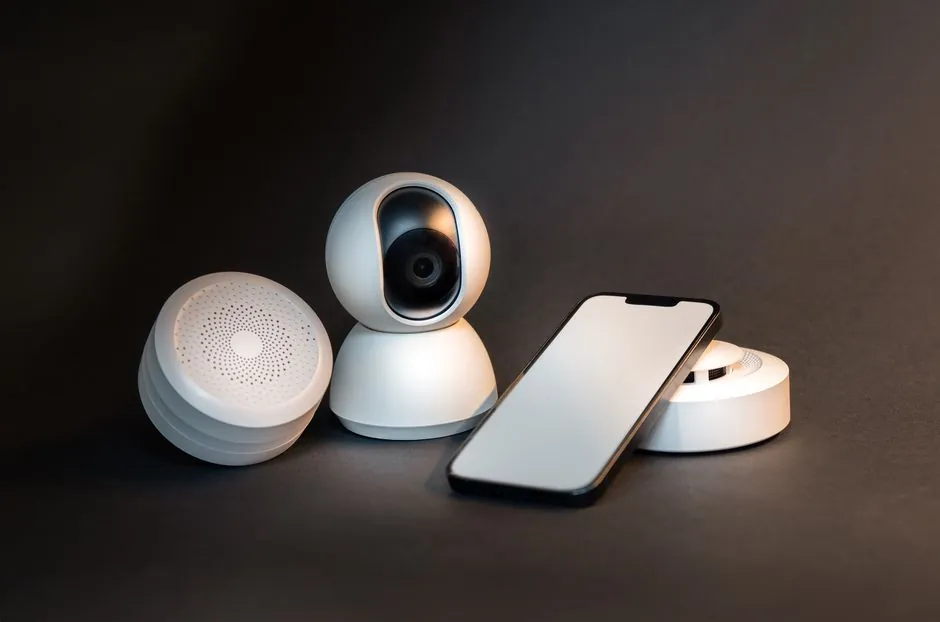
Security is often the first place homeowners look for synergy. Pairing a smart lock with a door sensor provides “Auto-Lock” peace of mind. You’ll never have to turn the car around to check the front door again because the system knows the door is closed and locked. Video doorbells add another layer of protection. When they detect motion after 10:00 PM, they can trigger your smart porch lights to turn on instantly. This simple interaction deters potential intruders before they even reach the handle. For a deeper look at building your own protection, read our DIY Home Security Systems: The Ultimate 2026 Buying Guide for a Safer Nest.
The Energy-Saving Duo
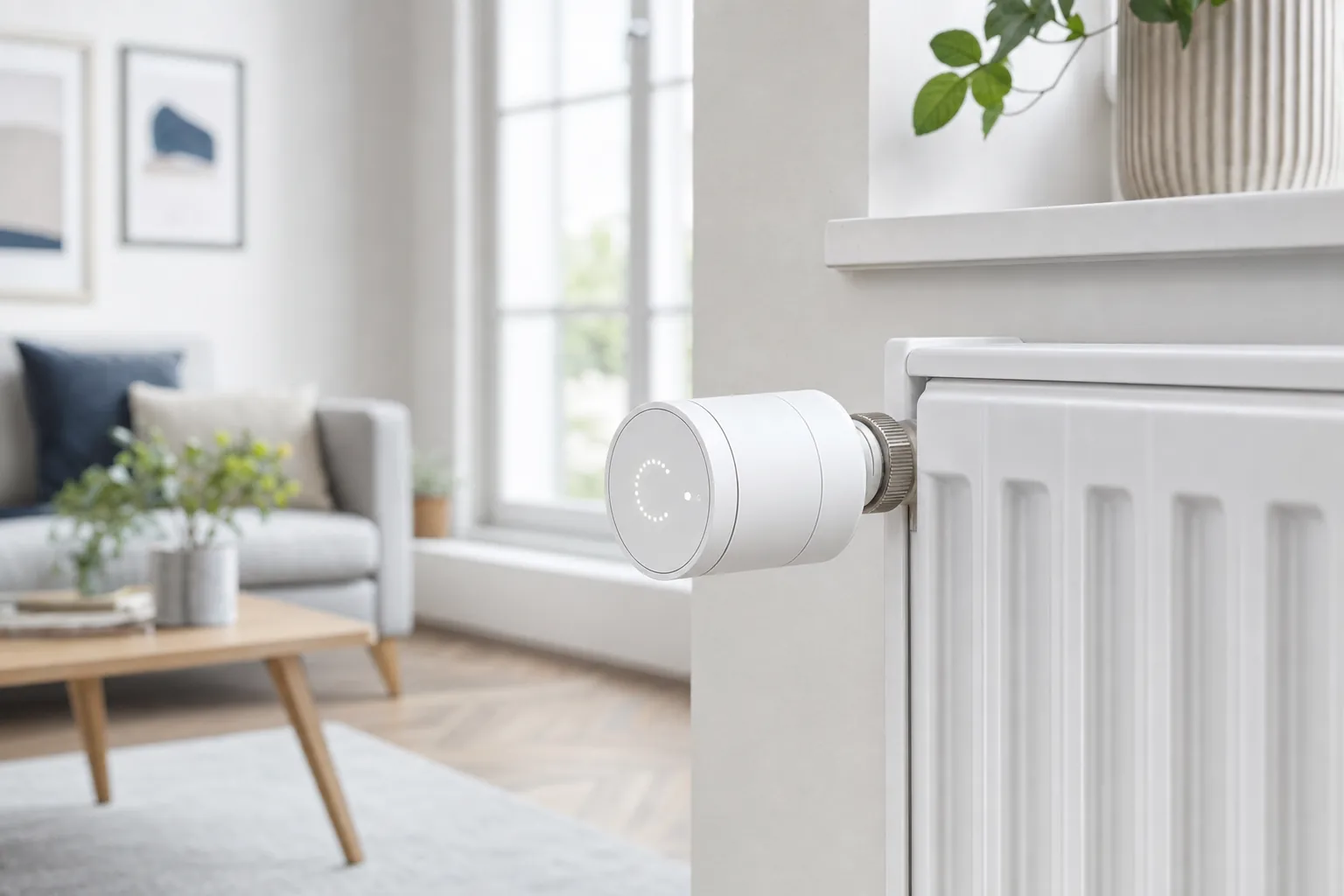
Synergy also helps manage your monthly bills. Smart blinds and thermostats are a powerful pairing for climate control. During a hot summer afternoon, your system can detect rising indoor temperatures and automatically close the blinds to block out the sun. This reduces the load on your air conditioning. You can also use smart plugs with energy monitors to identify “vampire” appliances that drain power while they’re off. These small integrations add up to significant savings over time. Check out our list of the Best Smart Lights That Work with Google Home Automation: The 2026 Savvy Guide to see how lighting fits into this energy-efficient puzzle.
The ultimate expression of synergy is the “Goodnight” routine. With a single voice command or a tap on a bedside button, your home reacts in unison. The front door locks, the thermostat drops to a comfortable sleeping temperature, and every light in the house turns off. Using “If This, Then That” logic makes this hands-free lifestyle possible. By choosing smart home devices that work together, you stop managing individual pieces of hardware and start living in a truly responsive environment that works for you.
Avoiding the App Trap: How to Streamline Your Control
The App Trap is the biggest hurdle for most beginners. It happens when you have five different apps for five different brands of bulbs. To escape this, you need a “Single Pane of Glass” strategy. This means you pick one primary ecosystem app to be your daily dashboard. You might use the manufacturer’s app once to set things up, but after that, it stays hidden in a folder. This approach ensures your smart home devices that work together actually feel like a unified system. By centralizing your control, you reduce the mental load of managing your home.
Routines are the ultimate goal for anyone buying smart home devices that work together. When your home is truly smart, you shouldn’t have to open an app at all. A well-designed routine uses sensors to trigger actions based on your habits. For example, your hallway lights can dim automatically after 11:00 PM without you ever touching a screen. This level of automation removes the friction from your daily life, making your technology feel invisible and helpful. It’s about moving from manual control to a home that simply knows what to do.
Consolidating Your Smart Home Dashboard
Organizing your primary app is the first step toward clarity. Most modern apps allow you to group devices by room. This mirrors how you actually move through your house, making it intuitive to find what you need. Use the “Favorites” tab to keep your most essential controls, like the security camera or the thermostat, just one tap away. This structure reduces the time you spend staring at your phone and keeps your interface clean. If you want to dive deeper into these setups, read How to Automate Your Home: A Beginner’s Guide to Smart Routines for more practical tips.
The Power of Physical Overrides
A smart home should be accessible to everyone, including guests who don’t have your apps. Physical smart switches are a savvy choice because they work exactly like traditional ones while still being part of your integrated system. You can also use NFC tags for “tap-to-trigger” actions. Placing a small, inexpensive tag near the front door allows you to tap your phone to run an “I’m Leaving” routine that turns everything off. It’s also vital to maintain a “dumb” backup for critical systems. Having a physical key or a manual override ensures you stay in control even if the technology takes a temporary nap. This balance of digital and physical control provides the ultimate peace of mind.
Ready to find the perfect hardware for your setup? Explore our detailed buying guides to discover the best tools for your unified nest.
Building Your Savvy Nest: The Future-Proof Selection
Choosing smart home devices that work together is the difference between a house full of gadgets and a home that truly understands you. Building a system that actually lasts requires a bit of foresight and a commitment to open standards. To help you filter through the noise, we use the SavvyNests Checklist. Before you add any new piece of hardware to your cart, ask yourself these three questions:
- Is it Matter-certified? Look for the Matter 1.6 badge to ensure it speaks the latest universal language.
- Does it support Thread? This ensures your device has a fast, reliable connection that doesn’t clog your WiFi.
- Is it “No-Trace”? For renters and flexible homeowners, choosing “no-drill” options ensures you can take your smart home with you when you move.
Prioritizing “No-Drill” and “No-Trace” technology is a savvy move for anyone who values flexibility. These devices often use high-quality adhesives or tension mounts instead of permanent screws, making them perfect for apartments or temporary setups. You get all the benefits of high-end automation without risking your security deposit or damaging your walls. For a curated list of our favorite renter-friendly hardware, check out The Best Smart Home Devices for Renters in 2026: Build a No-Trace Smart Home.
Top 3 “Synergy First” Devices to Buy Today
Maintaining Your Integrated System
Once you’ve selected smart home devices that work together, you need to keep them healthy. Firmware updates are critical in 2026 because they often unlock new features within the Matter and Thread protocols. For instance, recent updates have introduced NFC-based commissioning, making it even easier to add new devices. We recommend performing a “system health check” once a month. Open your primary app, check for updates, and ensure every device is still responding quickly. If a gadget starts acting up, our The Savvy Smart Home Troubleshooting Guide: Fix Any Device in 2026 provides quick resolutions for common connectivity issues.
The best advice we can give is to start small. Don’t feel pressured to automate every room in a single weekend. Pick one area, like your front door or living room lighting, and master that first. By staying with Matter-certified hardware and building slowly, you’ll create a cohesive, future-proof nest that provides peace of mind for years to come.
Start Your Journey to a Truly Responsive Home
You’ve seen how the right protocols like Matter and Thread can turn a frustrating collection of gadgets into a seamless, responsive environment. By focusing on smart home devices that work together, you eliminate the clutter of multiple apps and ensure your technology serves your lifestyle. Whether you’re automating security pairings or setting up an energy-saving routine, the goal is always peace of mind and daily convenience. You don’t have to be a technical expert to achieve this balance. With a focus on interoperability, your home becomes a supportive partner in your daily life.
Our team is here to help you navigate every step of this process. We provide Matter-certified recommendations, specialized rental-friendly solutions, and expert troubleshooting support to keep your nest running smoothly. You deserve a home that works for you, not the other way around. To discover more useful items for your household, visit SUZANA SHOP. It’s time to stop managing individual gadgets and start enjoying a unified experience that simplifies your world.
Build your unified Savvy Nest with our 2026 Buying Guide
You’ve got this. Your smarter, simpler lifestyle is just a few savvy choices away, and we’re excited to see your vision come to life.
Frequently Asked Questions
Do all smart home devices work together?
No, not all devices are compatible by default. While standards like Matter 1.6 are bridging the gap, some older or proprietary systems still live in “walled gardens” that don’t communicate with outside brands. You must check for compatibility badges like Matter, Thread, or specific ecosystem labels to ensure you are buying smart home devices that work together. Always verify the protocol before purchasing to avoid technical headaches later.
What is Matter and do I need it for my smart home?
Matter is a universal communication standard that allows devices from different brands to talk to each other seamlessly. You don’t strictly need it for a basic setup, but it is the gold standard for future-proofing your home in 2026. It eliminates the need for brand-specific hubs and ensures a Nest thermostat can work with an Apple HomePod without complex workarounds or third-party bridges.
Can I use Alexa and Google Home together in the same house?
Yes, you can run multiple voice assistants simultaneously in the same household. Thanks to the latest Matter updates, many devices now support “multi-admin” control, meaning they can be managed by both Alexa and Google Home at the same time. While this works well, it’s usually simpler for your daily routines to pick one primary ecosystem to act as your main dashboard while using the others for specific voice commands.
Do I need a hub if all my devices are WiFi-based?
Technically, you don’t need a traditional hub for WiFi-only devices, but you’ll still need a Matter Controller if you want them to participate in a unified ecosystem. Relying solely on WiFi can also slow down your home network as you add more gadgets. Transitioning to Thread-based devices with a border router is a savvier choice for maintaining speed and reliability as your system grows.
Will smart home devices work if the internet goes out?
It depends on the protocol they use. WiFi-based devices often lose functionality without an active internet connection because they rely on the cloud to process commands. However, devices using Matter over Thread or local Zigbee hubs can still perform basic tasks and triggers locally. This local control ensures your lights still turn on and your locks still function even when your internet provider has an outage.
How do I stop my smart home from having too many apps?
The best way to reduce app clutter is to centralize your control within a single ecosystem like Apple Home, Google Home, or Alexa. Once you set up your smart home devices that work together, you can use the manufacturer’s app for initial configuration and then hide it in a folder. Focusing on Matter-certified hardware allows you to bypass many brand-specific apps entirely, keeping your daily control limited to one primary dashboard.
Is it better to stick to one brand for smart home devices?
In 2026, sticking to one brand is no longer necessary or even recommended. While it used to be the only way to ensure compatibility, universal standards now allow you to pick the “best-in-class” product for every category. You can mix a high-quality camera from one brand with a superior thermostat from another, provided they both support the same communication language like Matter. This gives you more flexibility and better value.
Are smart home devices safe from hacking?
No device is 100% unhackable, but modern standards have significantly improved security. Matter uses strong encryption and device verification to ensure only authorized hardware joins your network. To stay safe, always change default passwords, enable two-factor authentication, and keep your firmware updated. Following these simple steps provides peace of mind and protects your data from unauthorized access while you enjoy your connected lifestyle.
Article by
Michael J. Mahon
I research and compare smart-home products for homeowners and renters, focusing on practical setup, compatibility, affordability, and everyday usefulness.