What if your home could anticipate your needs perfectly without you ever opening a cluttered app? Most of us invested in smart tech for convenience, yet we often end up troubleshooting failing automations or staring at a phone screen just to dim the lights. If you’re tired of wasted energy from devices left on and sensors that trigger at the wrong time, you aren’t alone. Finding the best smart home routines is about moving away from manual control and toward a lifestyle where your house simply works for you.
In this 2026 guide, you’ll discover how to transform your living space into a true “Savvy Nest” using the latest Matter 1.6 standards for faster, more reliable local control. We’ll show you how to implement “set it and forget it” automations that lower your energy bills and enhance your security while staying compliant with the newest 2026 data privacy regulations. We are walking through the most practical, energy-efficient routines to help you achieve a seamless home that finally serves you instead of the other way around.
Key Takeaways
- Understand how the Matter 1.6 protocol removes the friction from cross-brand setups, making your automations more reliable and private than ever before.
- Discover the best smart home routines for your daily rituals, transforming your morning and evening habits into effortless, automated sequences.
- Learn to use geofencing and “mockupancy” logic to secure your house and make it look lived-in while you are out of town.
- Explore energy-saving automations and renter-friendly tips that help your “Savvy Nest” pay for itself through lower monthly utility bills.
- Get a clear comparison of Alexa, Google Home, and Apple HomeKit to help you choose the best foundation for your future home upgrades.
Table of Contents
The Evolution of Smart Home Routines in 2026
We’ve moved past the days of using a phone as a glorified remote control. True automation isn’t about toggling a virtual switch; it’s about a house that thinks for itself. When you look back at the history of home automation, the goal has always been to reduce friction. In 2026, we’ve finally reached a point where your devices work together as a single, cohesive unit. The focus has shifted from “How do I control this?” to “How does this serve me?”
The release of Matter 1.6 on June 17, 2026, changed the game for everyone. This update didn’t just add new gadgets; it refined how different brands talk to each other. Now, your smart bulbs and your thermostat can participate in the best smart home routines without requiring a dozen bridge devices. Savvy homeowners don’t just buy a “smart” lightbulb anymore. They look for how that bulb contributes to a proactive, sensor-based environment that anticipates their next move. It’s the difference between a house full of gadgets and a truly autonomous living space.
To better understand this concept, watch this helpful video:
The “If This, Then That” Logic Explained
A Routine is a multi-step automation sequence that triggers based on specific events. Most routines follow a simple structure: a trigger starts the process, and an action carries it out. However, the real magic happens with conditions. You don’t want your “Morning Routine” blaring the news at 6:00 AM on a Saturday. By adding conditions like “only on weekdays” or “only if the sun is up,” you ensure your home stays smart without becoming annoying. Common triggers for the best smart home routines include:
- Time of day: Aligning with sunrise, sunset, or specific hours.
- Location: Using geofencing to know when you’ve left the driveway.
- Sensor data: Detecting motion, temperature drops, or open windows.
AI and Predictive Automations: The 2026 Standard
Artificial intelligence is the new brain of the modern home. Modern hubs now learn your daily habits to suggest custom routines tailored specifically to your lifestyle. Instead of basic motion detection that turns off lights while you’re still reading, 2026 tech uses “Presence Sensing.” This detects your actual presence through micro-movements, even if you’re sitting still on the couch. Thanks to the shift toward local control, these AI features process your data right in your house. You get a smarter environment without sacrificing your privacy to the cloud, allowing your home to optimize energy and comfort automatically.
Essential Daily Routines: Building Your Daily Foundation
The Ultimate Wake-Up Call
A jarring alarm clock is a relic of the past. A savvy morning routine begins with your smart bulbs mimicking a simulated sunrise, gradually brightening from a warm amber to a crisp daylight over thirty minutes. This allows your body to wake up naturally. While you’re still under the covers, your smart thermostat can signal your HVAC system to warm the bathroom to a comfortable temperature. By the time you step out of bed, your smart speaker can provide a hands-free briefing on the morning news and weather, ensuring you’re prepared for the day without ever touching your phone.
The “Savvy” Sleep Routine
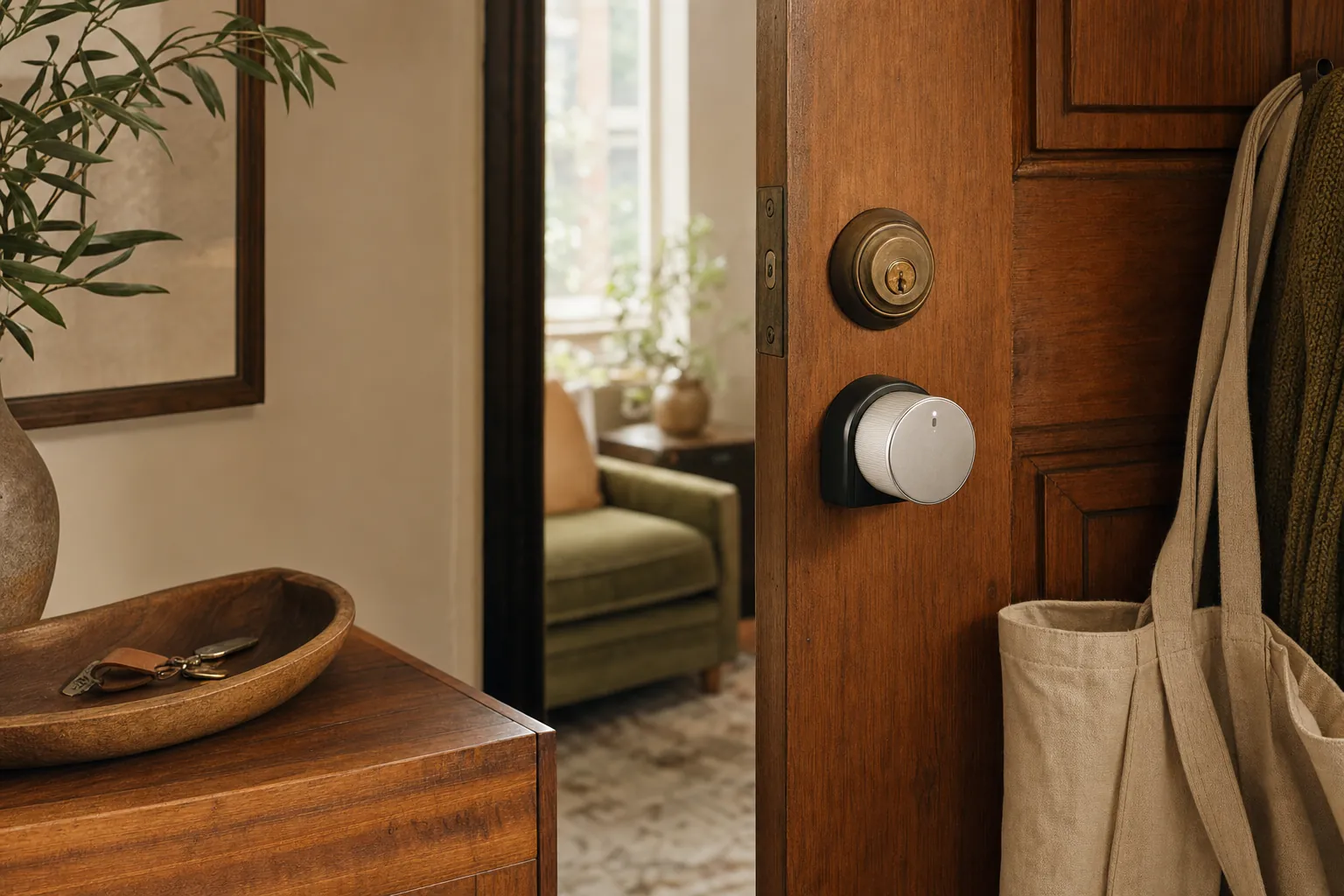
Quality rest is the cornerstone of productivity, and your home can actively help you achieve it. A “Good Night” ritual should focus on sleep hygiene and home security. At 9 PM, your smart lighting can automatically filter out blue light, shifting to a warmer hue that encourages melatonin production. With a single voice command or a tap on a bedside button, you can trigger a “House Lockdown” sequence. This routine checks that all door sensors are closed, locks the deadbolts, and sets the alarm. To ensure a deep sleep, your hub can simultaneously activate a white noise machine and a smart plug connected to a fan, creating the perfect environment for recovery.
Beyond the bookends of your day, mid-day routines are essential for those who work from home. You can program a “Focus Mode” that dims non-essential lights and sets your office temperature to an optimal 68 degrees. If you are still deciding which devices will best support these sequences, our smart home buying guides offer curated selections to help you build your system with confidence. These automations don’t just save time; they regulate your circadian rhythm by adjusting light intensity and color temperature throughout the afternoon, preventing the dreaded 3 PM slump. Implementing the best smart home routines ensures your environment adapts to your needs, whether you are deep in a project or winding down for the night.
Security and “Away” Automations for Peace of Mind
Security and access control represent nearly 30% of the smart home market for a reason. Peace of mind is the ultimate goal. The best smart home routines don’t just alert you to a problem; they actively work to prevent them. By using geofencing, your house knows exactly when the last person has left the driveway, triggering a sequence of events that secures the perimeter while saving you money. If you’re still setting up your hardware, you can find the right tools in our diy home security systems guide.
The “Goodbye” Routine
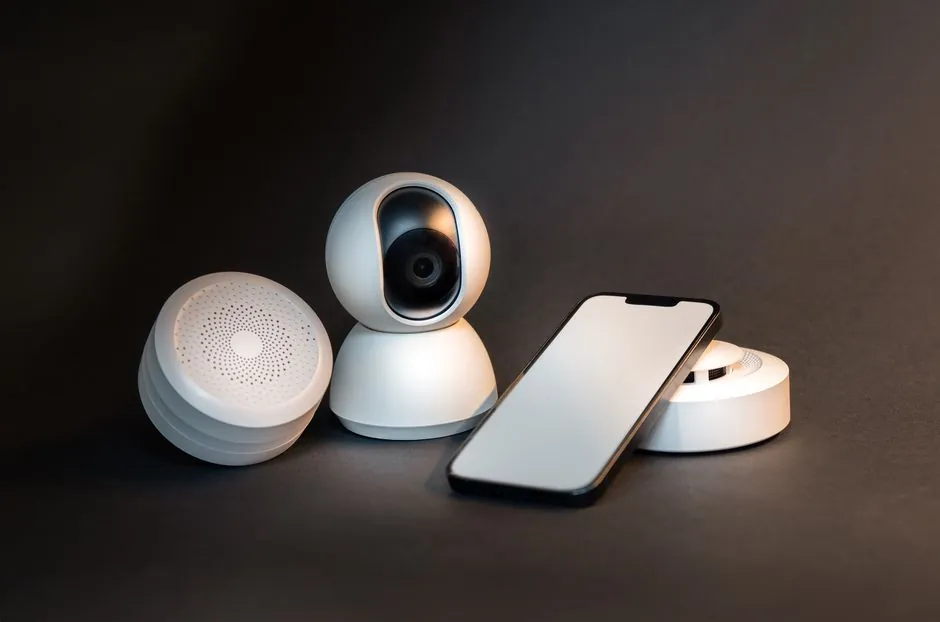
When your phone leaves the geofence boundary, your home should go into lockdown mode. This means arming cameras and lowering the thermostat automatically to save on heating or cooling costs. You can also program your hub to kill power to “vampire” devices like coffee makers or gaming consoles via smart plugs. For those who get frequent deliveries—like a fresh set of humorous hoodies for the kids from Sasshole Clothing—a “Package Arrival” routine is a game changer. When your doorbell camera detects a box, it can flash your living room lights or send a specific chime to your smart speaker, ensuring you bring the package inside before porch pirates notice it.
Vacation Mode: Advanced Deterrence
Traditional timers are easy for burglars to spot because they are too predictable. A “Mockupancy” routine is the savvy choice for long trips. Instead of lights turning on at exactly 7:00 PM, your system uses randomized patterns that mimic actual human behavior. Your smart blinds can open and close at slightly different times each day, and different rooms can light up in a sequence that suggests someone is moving through the house. This level of realism makes it nearly impossible for an outsider to tell if the home is empty.
Beyond deterrence, the best smart home routines handle emergencies with precision. If a smart smoke detector triggers, your HVAC should immediately shut down to prevent smoke from circulating through the vents. Simultaneously, all smart bulbs should turn on to 100% brightness to light your path to safety. Similarly, flood sensors near the washing machine or water heater can be linked to a smart shut-off valve. This can stop a leak before it causes thousands of dollars in damage, providing a “set it and forget it” security layer that protects your investment while you’re away.
Energy Efficiency and Renter-Friendly Routines
Smart home technology shouldn’t just be a luxury; it should be a tool that pays for itself. By implementing the best smart home routines focused on efficiency, you can offset the cost of your gadgets through lower utility bills. This is especially true in 2026, as energy costs continue to fluctuate and consumers seek more sustainable ways to live. Whether you own a large house or live in a compact apartment, these “Eco-Nest” strategies ensure your technology works to reduce waste without requiring any manual effort from you.
The Energy-Saving “Eco-Nest”
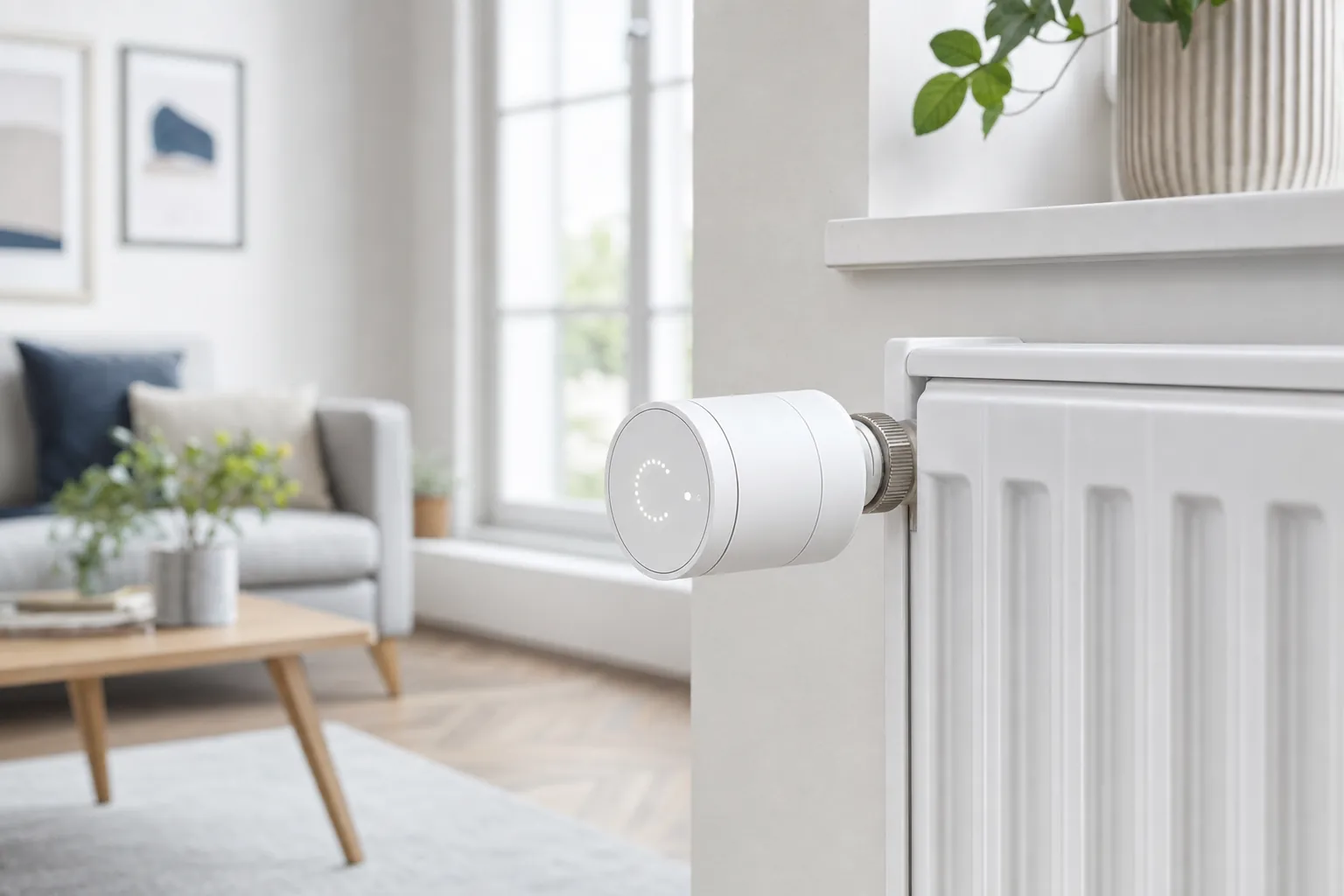
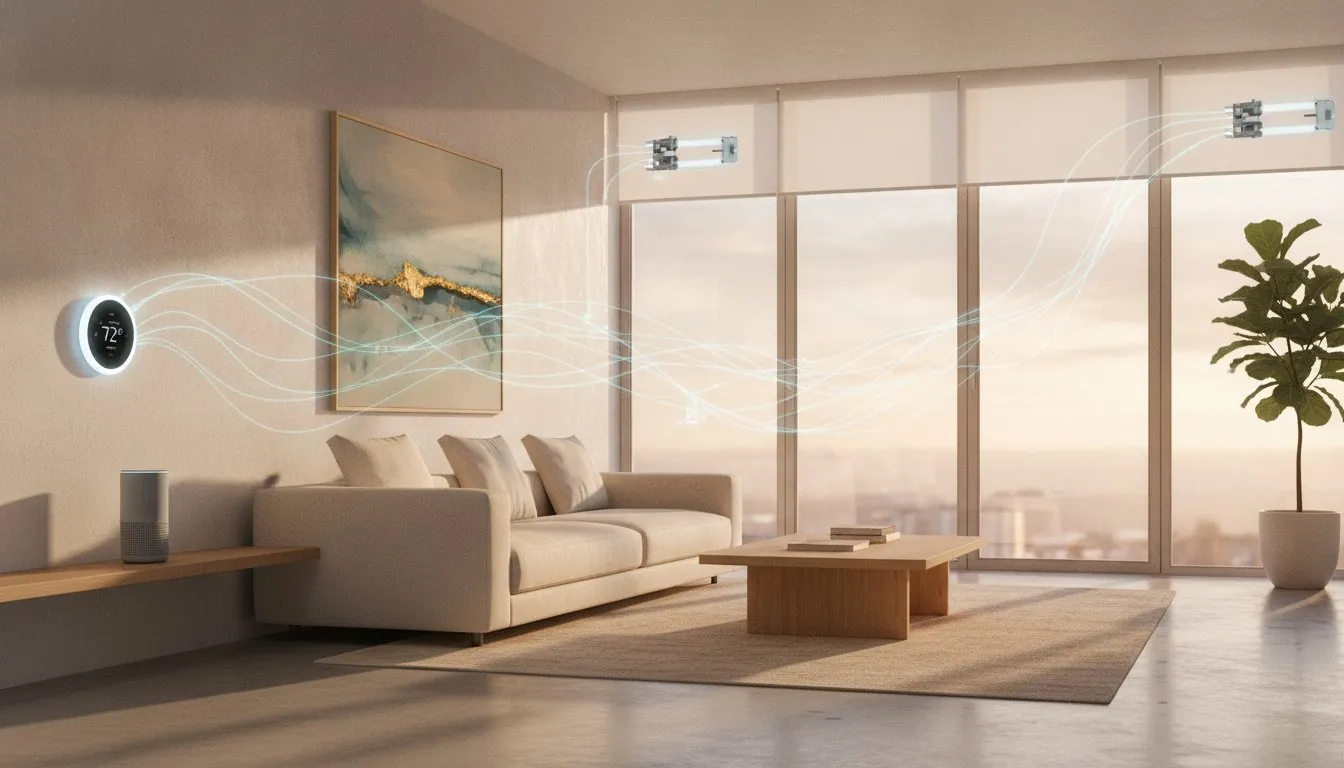
The most effective way to lower your energy bill is to stop cooling or heating empty rooms. You can use motion sensors to detect when a room has been unoccupied for more than 10 minutes, automatically turning off lights and smart plugs. Integration between smart blinds and your thermostat allows for passive temperature control. During hot summer days, your blinds can close automatically when the sun is at its peak, reducing the load on your AC. Research shows that a properly configured smart thermostat routine can save up to 15% on your annual heating and cooling bills. You can also automate “Peak Hour” shifts, scheduling energy-heavy appliances like dishwashers to run only when electricity rates are at their lowest.
No-Drill Routines for Apartments
Many people assume automation is off-limits if they can’t drill holes or change wiring. However, the “Savvy Renter” approach relies entirely on plug-and-play tech that leaves no trace. If you’re currently leasing, you can find tailored recommendations in our guide to the best smart home devices for renters. These tools allow you to build sophisticated sequences without risking your security deposit.
One of the best smart home routines for apartments involves using simple contact sensors on windows. You can program your system to pause the AC immediately if a window is opened, preventing you from cooling the entire neighborhood. Instead of replacing wall switches, use smart bulbs to create lighting groups that dim or brighten based on the time of day. You can even set up a “Virtual Doorbell” routine by using an internal camera and motion sensors. When someone approaches your door, your hub can play a chime or send a notification to your phone, giving you the benefits of a video doorbell without needing to mount hardware in a shared hallway. To start building your own setup, explore our latest smart home buying guides for the most reliable renter-friendly options.
Choosing Your Platform and Scaling Your Automation
Choosing the right platform is like picking the operating system for your daily life. It dictates how your devices interact and how much effort you’ll spend managing them. To build the best smart home routines, you need to understand the “Trigger-Condition-Action” framework. A Trigger is the “when” (e.g., when motion is detected), the Condition is the “if” (e.g., only if it’s after 10 PM), and the Action is the “what” (e.g., turn on the hallway light at 10% brightness). Mastering this logic ensures your home responds intelligently rather than just reacting to every movement. If you’re new to these concepts, start with our how to automate your home guide to build your first sequence with confidence.
Platform Comparison for Routines
Each major ecosystem has its own strengths when it comes to routine building. Amazon Alexa remains a top choice for ease of use and boasts the widest third-party device support, making it ideal for beginners who want to mix and match brands. Google Home excels with superior AI-based suggestions, often noticing patterns in your behavior and asking if you’d like to automate them. For those who prioritize privacy and speed, Apple HomeKit is the gold standard. It uses local processing to ensure your data stays in your house. If you’ve decided to go the Apple route, check out our guide on the best smart home hub for apple homekit to ensure your setup has the processing power it needs.
Advanced Scaling Tips
As you move from a single smart room to a whole-house system, your needs will change. Relying solely on a smart speaker for dozens of devices can lead to lag. This is when you should consider a dedicated home automation hub that supports the latest Matter 1.6 standards. These hubs prioritize “Local Control,” which means your best smart home routines will continue to function even if your internet connection drops. This is a critical step for security and climate routines that simply cannot fail.
Scaling should be methodical. Start with high-impact areas like the kitchen or entryway before moving to the bedrooms. This allows you to test your automation logic and refine your triggers without feeling overwhelmed. Should a device stop responding or a routine fail to trigger, you can find quick fixes in our smart home troubleshooting guide. By choosing the right platform and scaling slowly, you’ll create a seamless, “set it and forget it” environment that truly serves your lifestyle.
Start Building Your Savvy Nest Today
Transforming your house into a truly autonomous space is no longer a futuristic dream reserved for tech experts. By implementing the best smart home routines, you move away from cluttered apps and toward a home that anticipates your every move. Whether you’re a renter looking for no-drill security or a homeowner aiming for significant energy savings, the key is starting with a solid foundation of triggers and local control. We’ve tested these real-world automation frameworks to ensure they work when you need them most, even if the internet goes down.
Our beginner-friendly advice is designed to filter out the noise so you can make savvy choices for your unique environment. Please note that affiliate links on our site support our independent testing, allowing us to continue providing honest, practical reviews for our community. If you’re ready to select the perfect devices to power your sequences, Build your own Savvy Nest with our 2026 Buying Guide. You now have the knowledge to create a space that is more secure, efficient, and comfortable. It’s time to let your technology finally serve you.
Frequently Asked Questions
What are the best smart home routines for beginners?
The best smart home routines for beginners are usually “Good Morning” and “Good Night” sequences. These focus on simple lighting and climate adjustments that provide immediate comfort. You don’t need expensive sensors to start; just a few smart bulbs and a smart speaker can automate your wake-up call or secure your home at bedtime. Starting with these two helps you understand the logic before you move on to more complex setups.
Can I set up smart home routines without a hub?
Yes, you can set up basic routines using only your smartphone and Wi-Fi enabled devices. Most brands offer their own apps for scheduling, and you can use platforms like Amazon Alexa or Google Home to group devices together. However, a dedicated hub is often necessary if you want to create advanced routines that involve different brands or require devices to work together without a constant internet connection.
Do smart home routines work when the internet is down?
It depends on whether your system uses cloud-based or local control. Cloud-reliant Wi-Fi devices will likely stop responding if your internet drops. However, if you use the Matter 1.6 protocol or a local hub, your best smart home routines will continue to run. Local processing ensures that your motion sensors and light switches can still talk to each other even during a web outage.
What is the difference between a routine and an automation?
A routine is typically a set of actions triggered by a single event, like a voice command or a specific time of day. An automation is a broader term for “if this, then that” logic that runs entirely in the background. While a routine might require you to say “I’m home,” an automation uses sensors or geofencing to detect your arrival and adjust the house without you saying a word.
How many smart home routines should I have?
Start with three to five core routines to avoid making your home environment too complex. It’s better to have a few reliable sequences that solve daily frustrations than dozens of tiny automations that conflict with each other. Focus on high-impact areas like security, energy savings, and your morning ritual. You can always scale your system once you’re comfortable with the initial logic.
Are smart home routines safe and private?
Smart home routines are safer than ever in 2026 thanks to new data privacy laws in states like Indiana, Kentucky, and Rhode Island. These regulations grant you more control over your personal information. To maximize privacy, choose devices that support local processing rather than cloud storage. This keeps your daily habits and sensor data inside your own four walls instead of on a corporate server.
Can I share my smart home routines with family members?
Yes, all major smart home platforms allow you to invite family members or roommates to your “Home” profile. Once they accept the invitation through their own app, they can trigger routines and control devices from their own phones. This ensures that everyone in the house can enjoy the same level of convenience and security without needing to share a single login or password.
What is the best trigger for a “Welcome Home” routine?
Geofencing is the most effective trigger for a “Welcome Home” sequence. By using your phone’s GPS, your home can detect when you enter a specific radius, like your driveway or street corner. This allows the system to unlock the front door, turn on the entryway lights, and adjust the thermostat before you even step out of your car, providing a truly seamless arrival experience.
Article by
Michael J. Mahon
I research and compare smart-home products for homeowners and renters, focusing on practical setup, compatibility, affordability, and everyday usefulness.